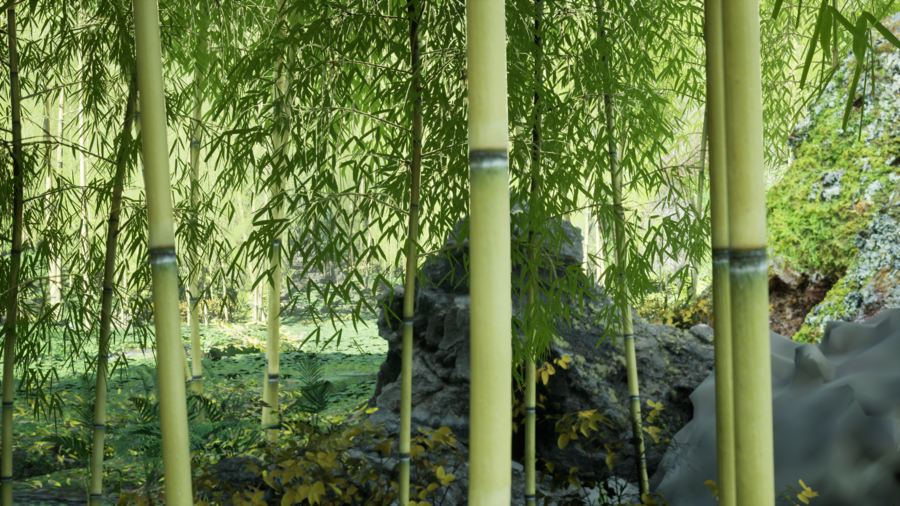
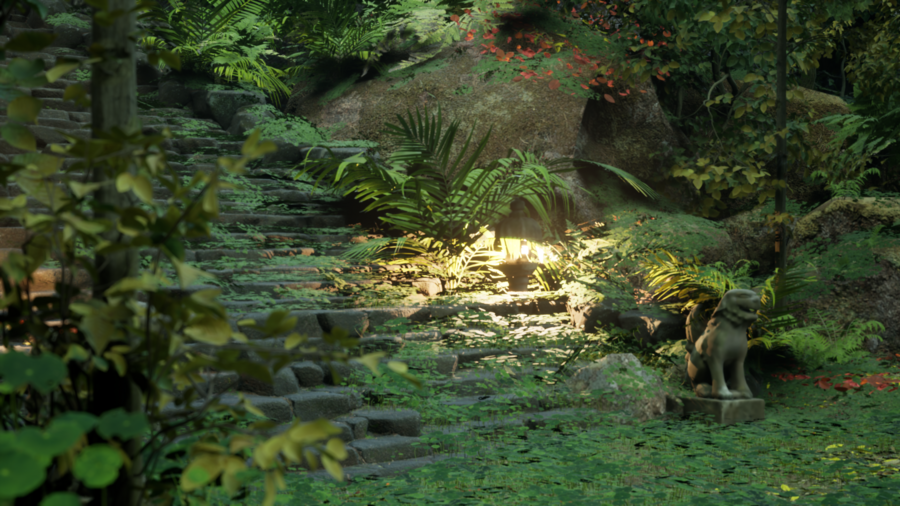
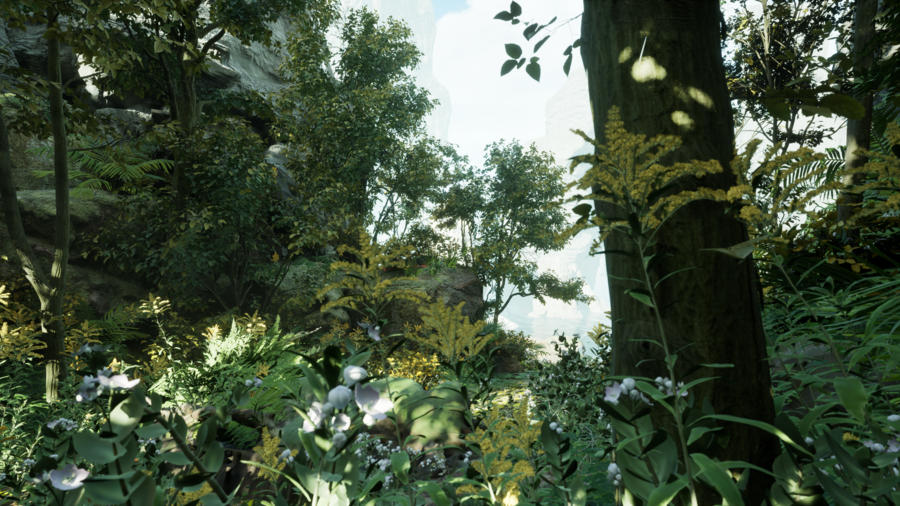
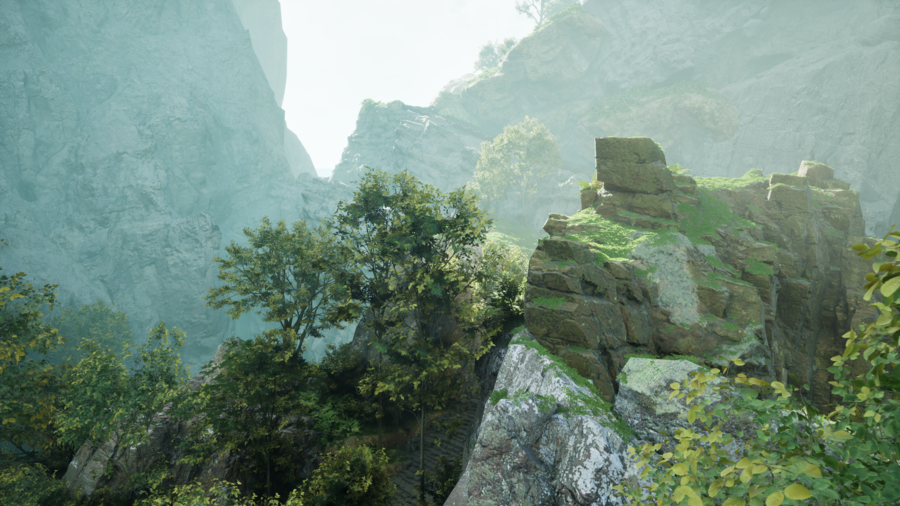
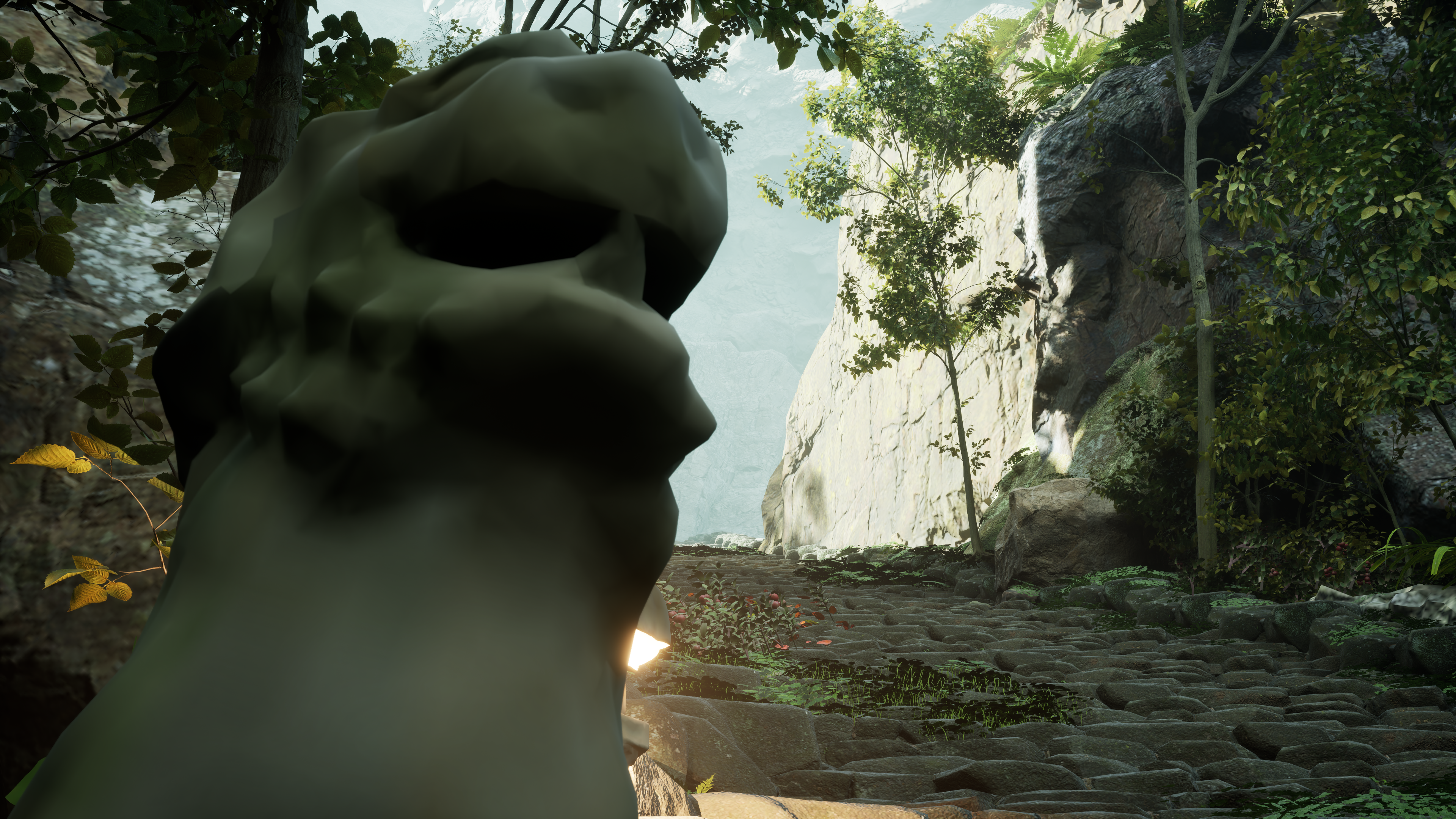
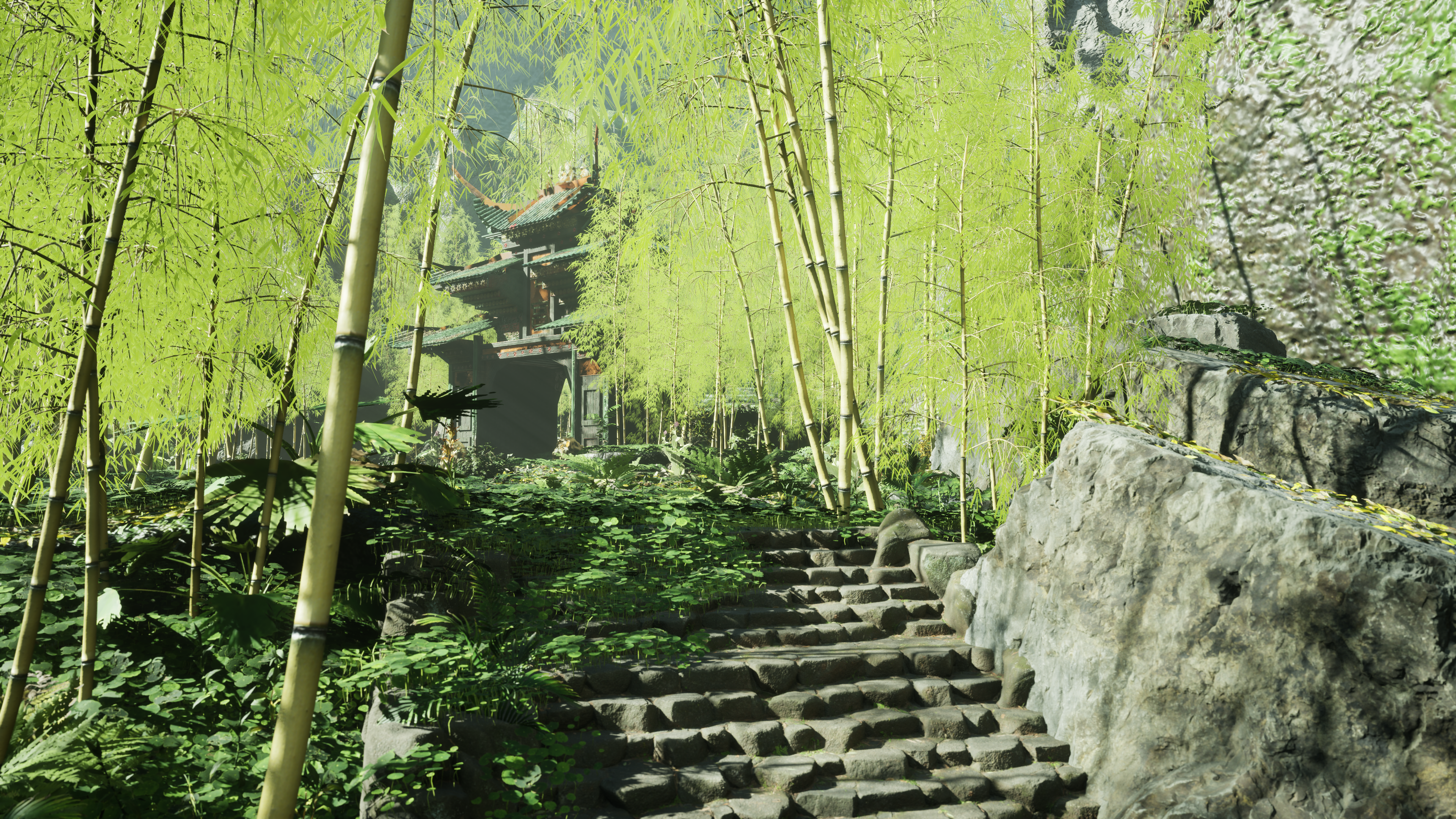
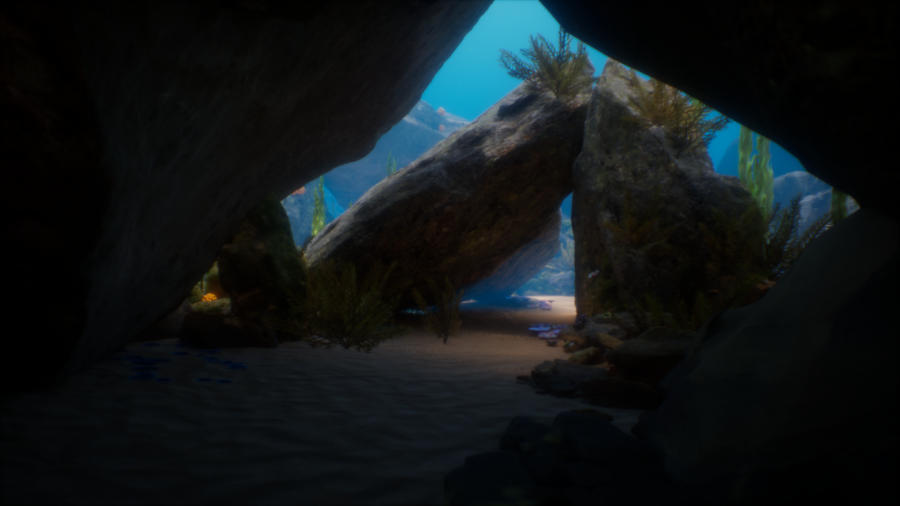
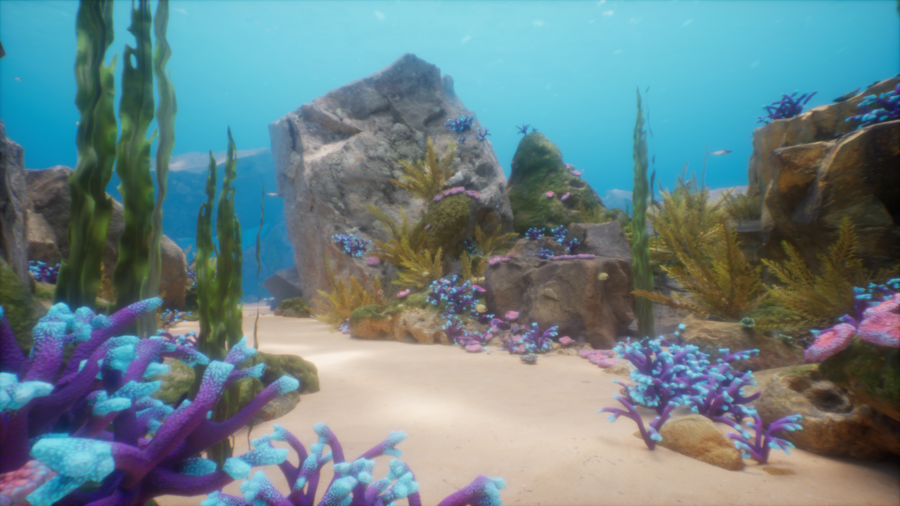
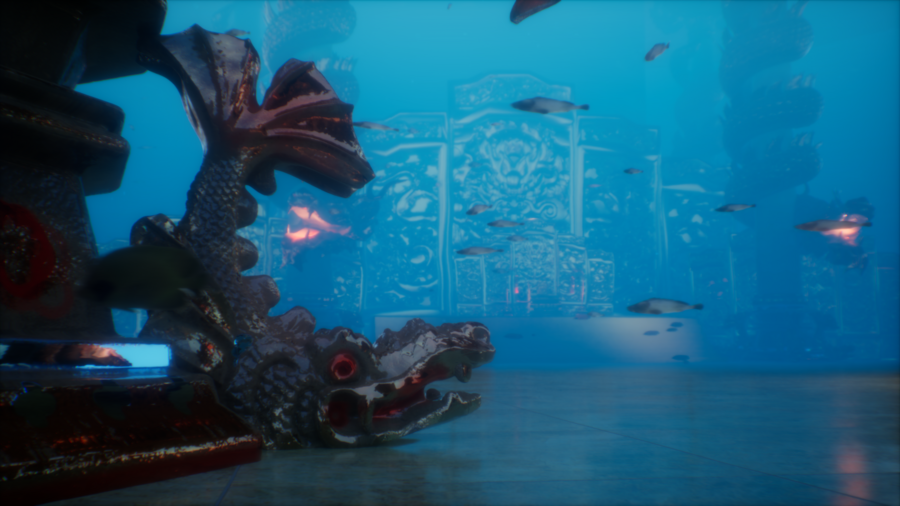
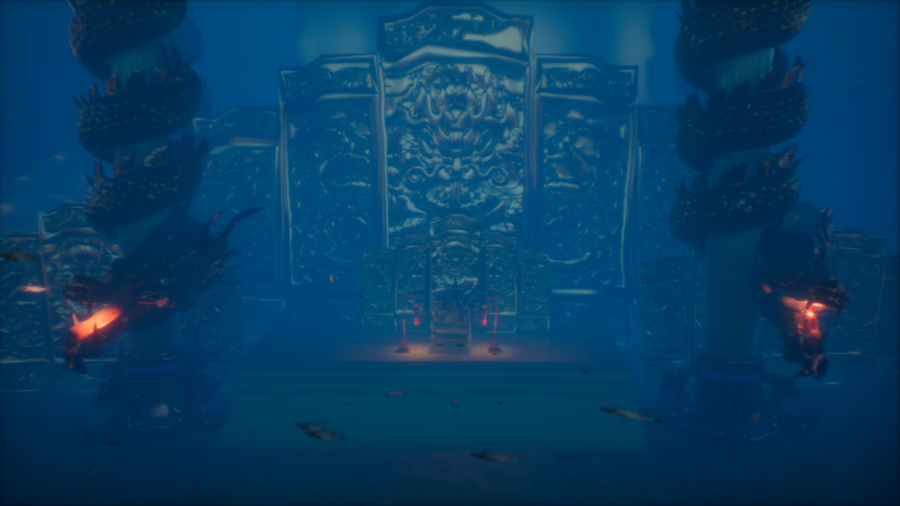
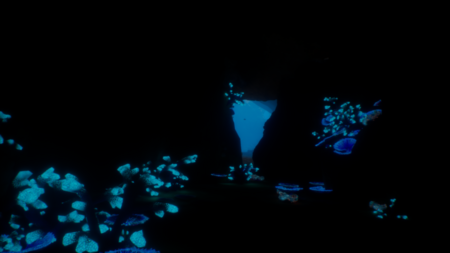
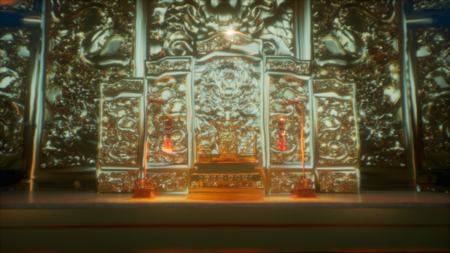
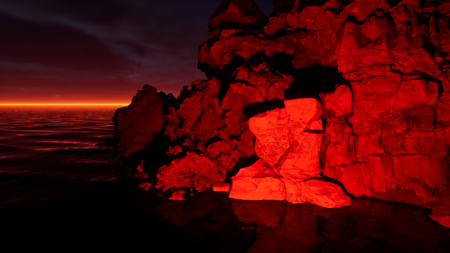
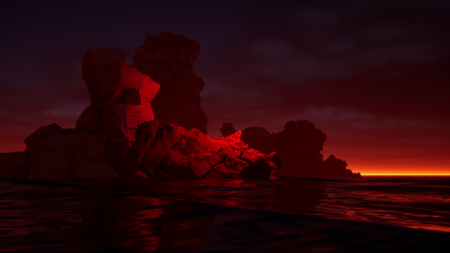
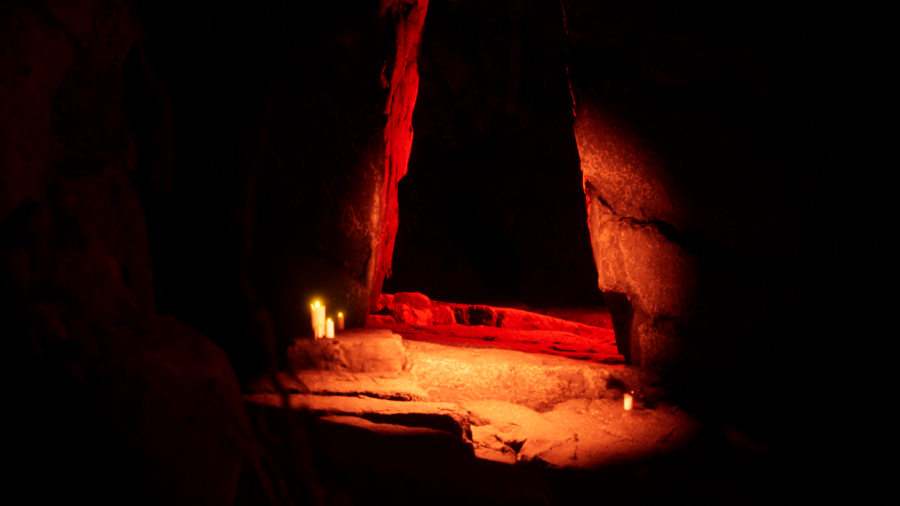
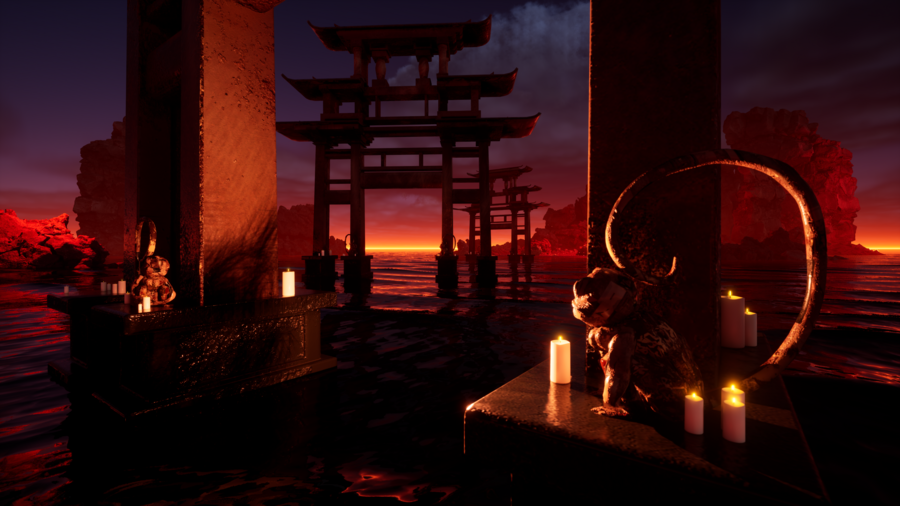
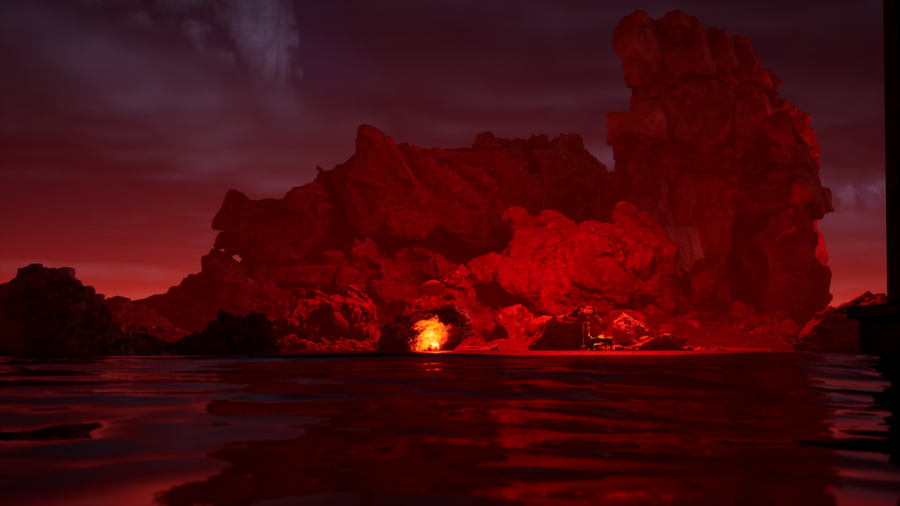
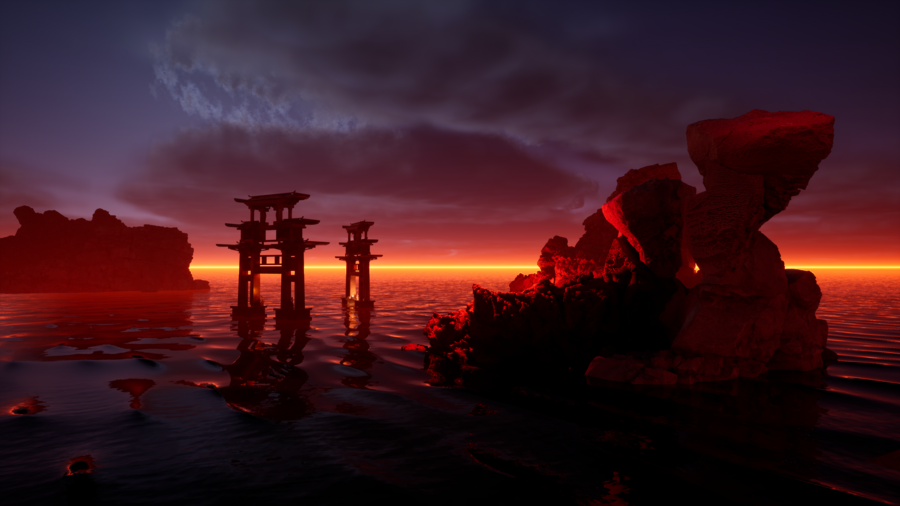
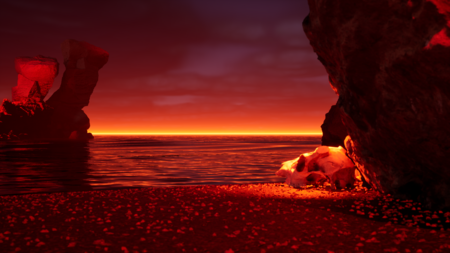
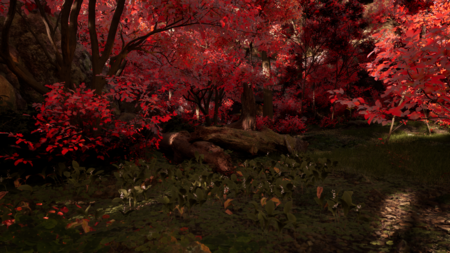
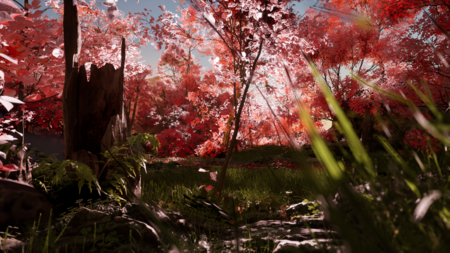
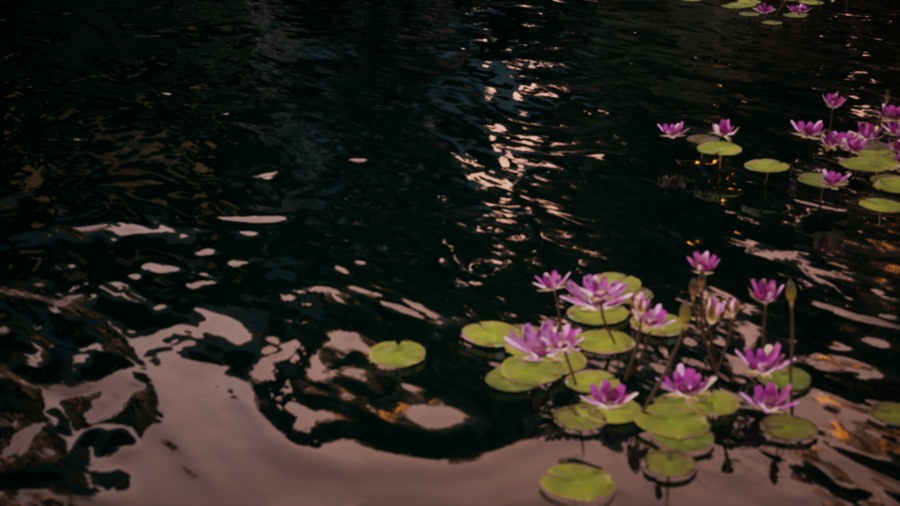
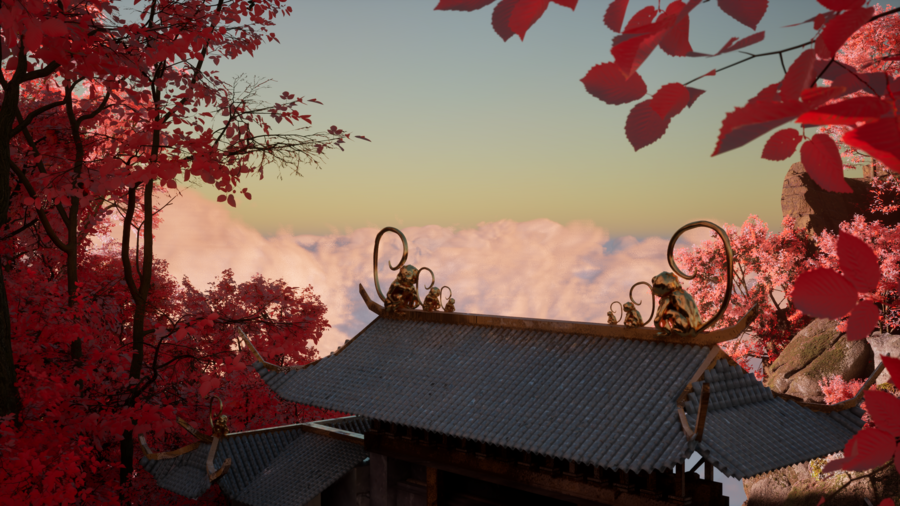
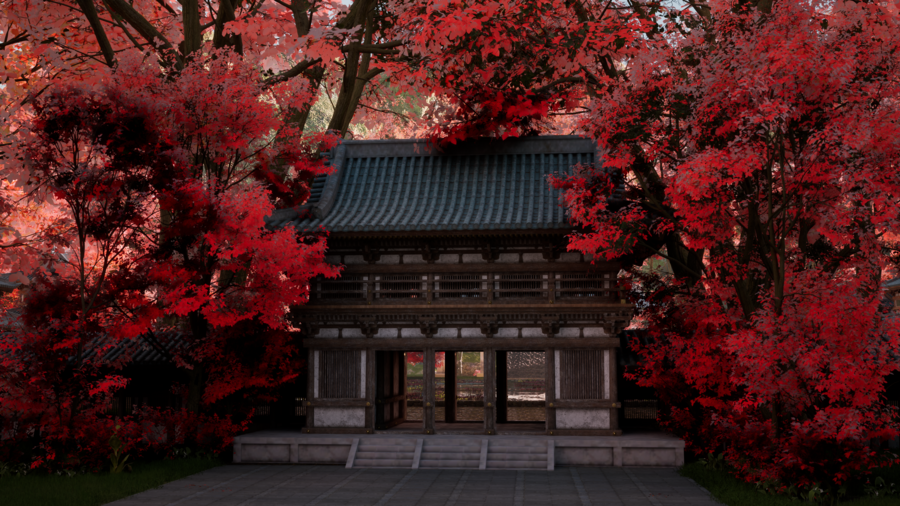
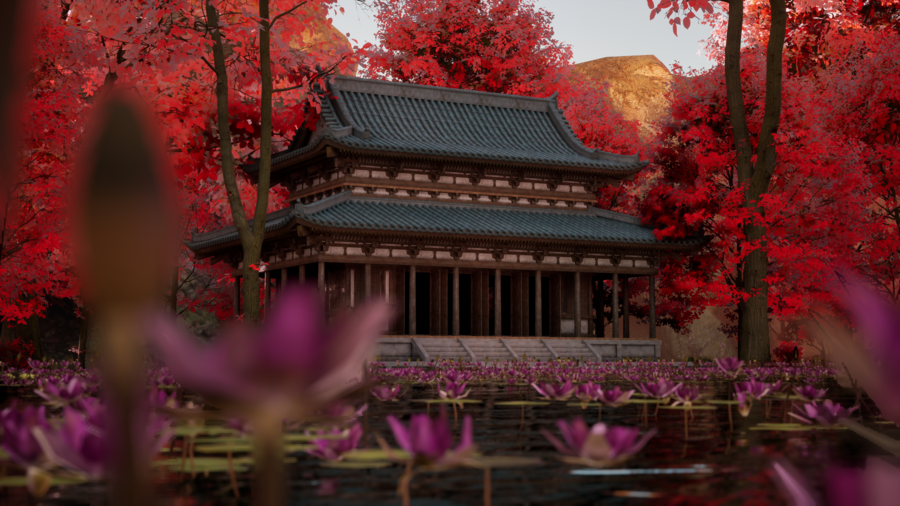
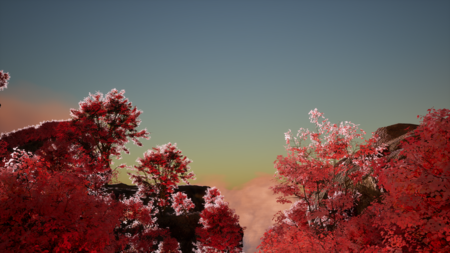
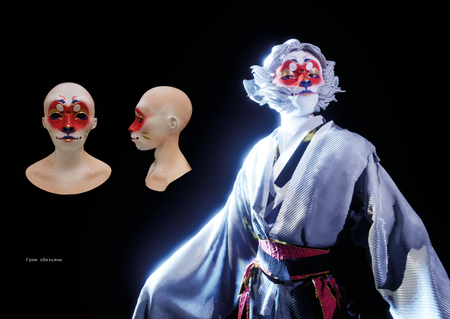
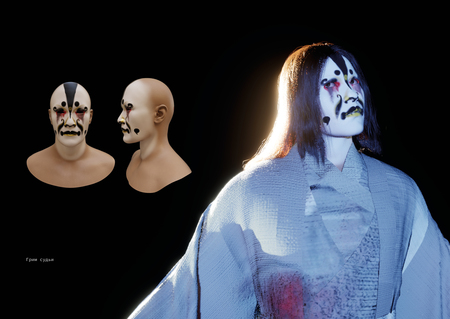
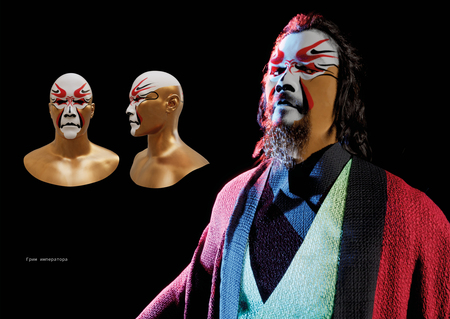
Дипломный проект — это создание серии виртуальных пространств по мотивам книги «Путешествие на Запад», а также разработка персонажей и элементов окружения. Задача — воссоздать пейзажи, описанные в книге, передать их настроение и атмосферу с помощью 3D-инструментов.
Виртуальное пространство по мотивам книги «Путешествие на Запад»
Вера Бабаханова создала виртуальное пространство по мотивам книги «Путешествие на Запад». Проект включает серию 3D-сцен, вдохновлённых описаниями пейзажей из произведения.
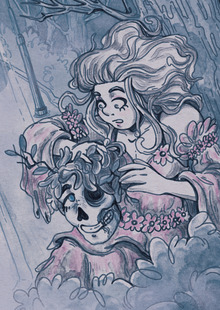
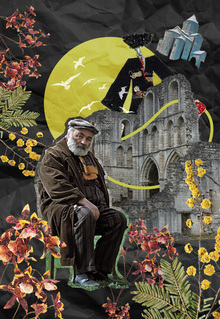
Антон Старосельский создал иллюстрации и оформление для YA-романа «Мёртвый жених». Проект включает промо-материалы, такие как постеры, открытки и брелоки, упакованные в иллюстрированную коробку.
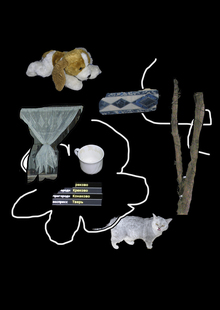
Анастасия Ванюхина создала выставку "Долгая дорога домой", объединяющую артефакты памяти, музыку и символы в интерпретации воспоминаний о потерянном доме. Проект включает зин-приглашения, сайт, плакаты и стикеры с qr-кодами для продвижения выставки.
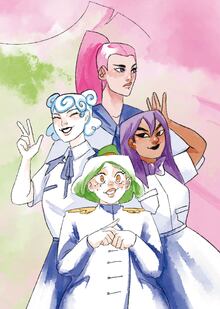
Лэйла Самигуллина создала фантастический рассказ о четырёх девочках, получивших магические силы на планете Юфо. Проект включает в себя коллекционные карточки, наклейки, значки и постеры, связанные с сюжетом.
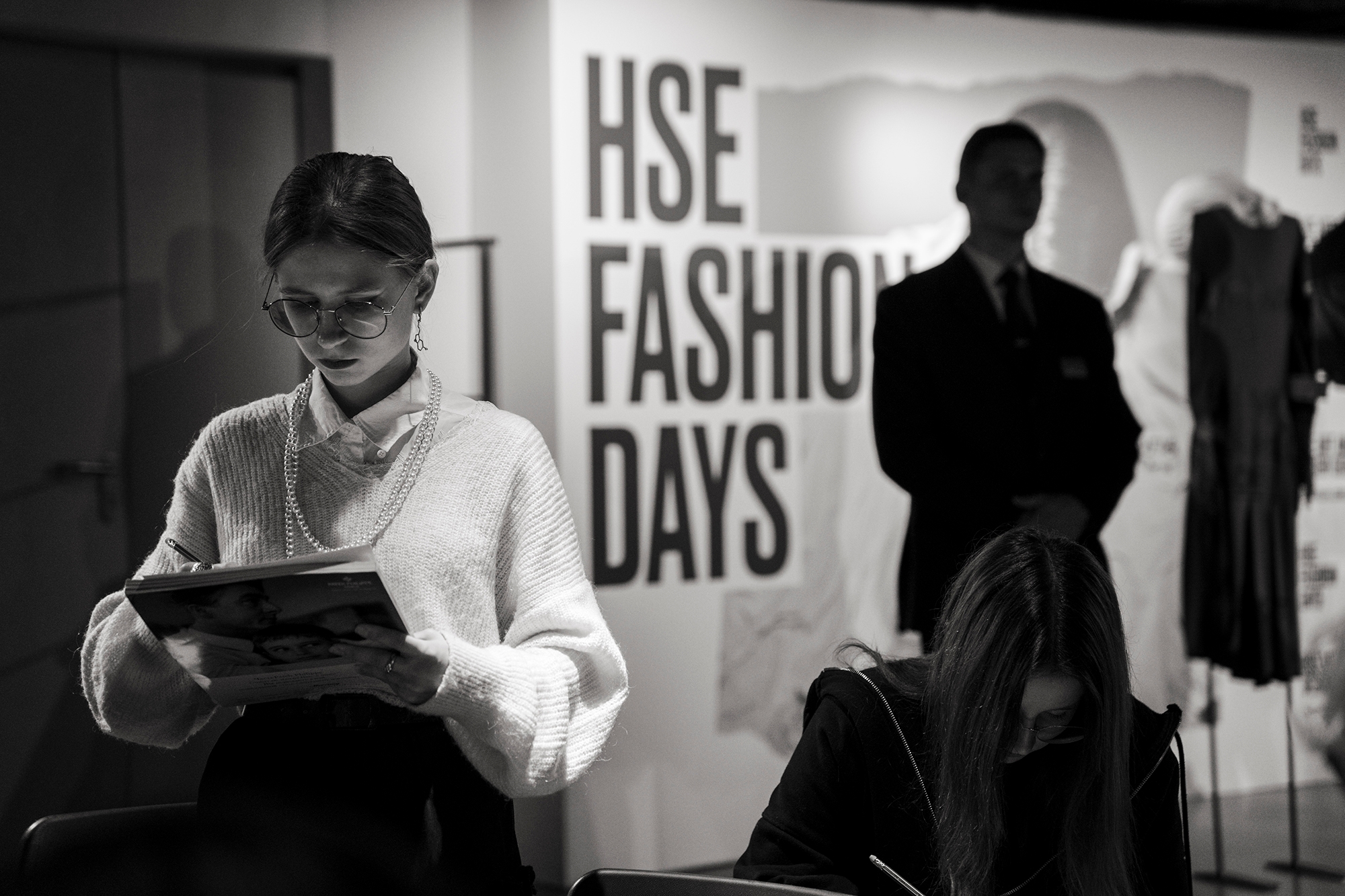
Платформа для креаторов из модной индустрии: перспективные бренды, портфолио дизайнеров одежды, фэшн-фотографов и арт-директоров, визуальные исследования, профильные конкурсы, образовательные программы, интервью с профессионалами. Новые имена, которые прямо сейчас формируют будущее моды в России.
Press space bar to start a drag.
When dragging you can use the arrow keys to move the item around and escape to cancel.
Some screen readers may require you to be in focus mode or to use your pass through key
Press space bar to start a drag.
When dragging you can use the arrow keys to move the item around and escape to cancel.
Some screen readers may require you to be in focus mode or to use your pass through key
Press space bar to start a drag.
When dragging you can use the arrow keys to move the item around and escape to cancel.
Some screen readers may require you to be in focus mode or to use your pass through key
Press space bar to start a drag.
When dragging you can use the arrow keys to move the item around and escape to cancel.
Some screen readers may require you to be in focus mode or to use your pass through key
Press space bar to start a drag.
When dragging you can use the arrow keys to move the item around and escape to cancel.
Some screen readers may require you to be in focus mode or to use your pass through key
Press space bar to start a drag.
When dragging you can use the arrow keys to move the item around and escape to cancel.
Some screen readers may require you to be in focus mode or to use your pass through key
Press space bar to start a drag.
When dragging you can use the arrow keys to move the item around and escape to cancel.
Some screen readers may require you to be in focus mode or to use your pass through key
Press space bar to start a drag.
When dragging you can use the arrow keys to move the item around and escape to cancel.
Some screen readers may require you to be in focus mode or to use your pass through key
Press space bar to start a drag.
When dragging you can use the arrow keys to move the item around and escape to cancel.
Some screen readers may require you to be in focus mode or to use your pass through key
Press space bar to start a drag.
When dragging you can use the arrow keys to move the item around and escape to cancel.
Some screen readers may require you to be in focus mode or to use your pass through key