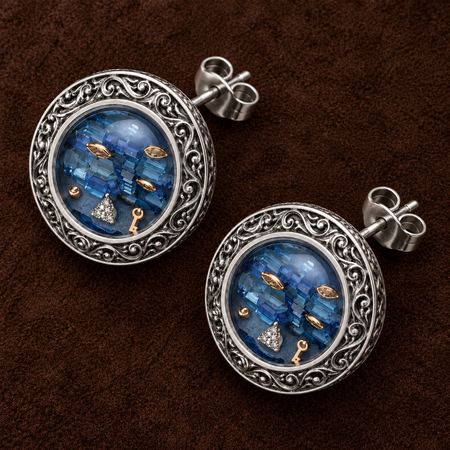
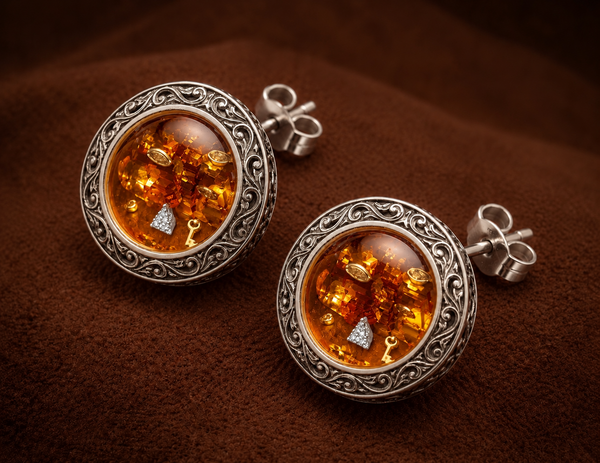
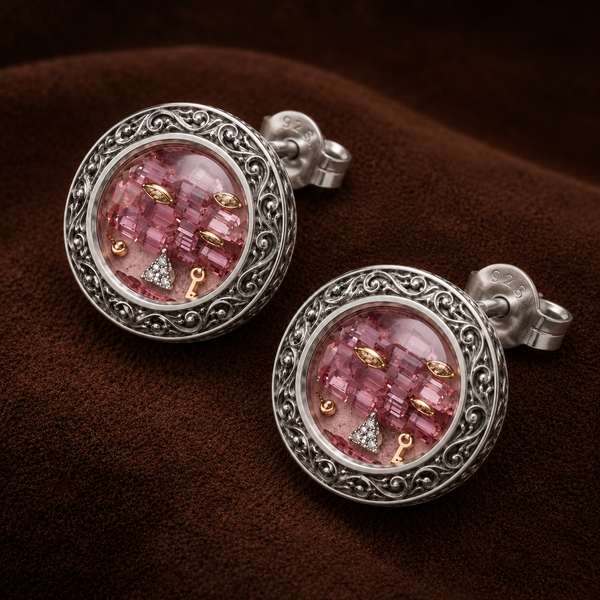
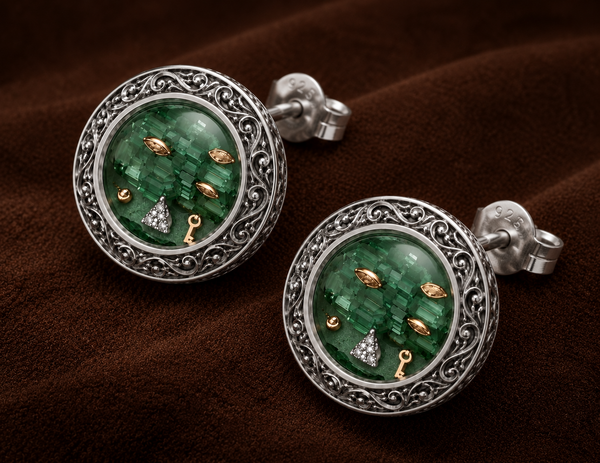
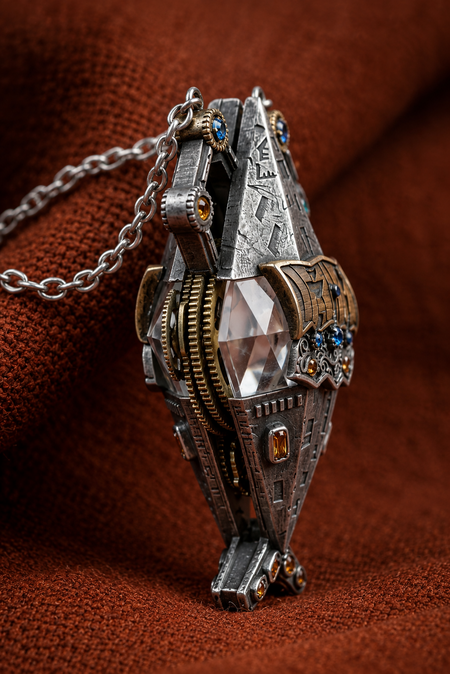
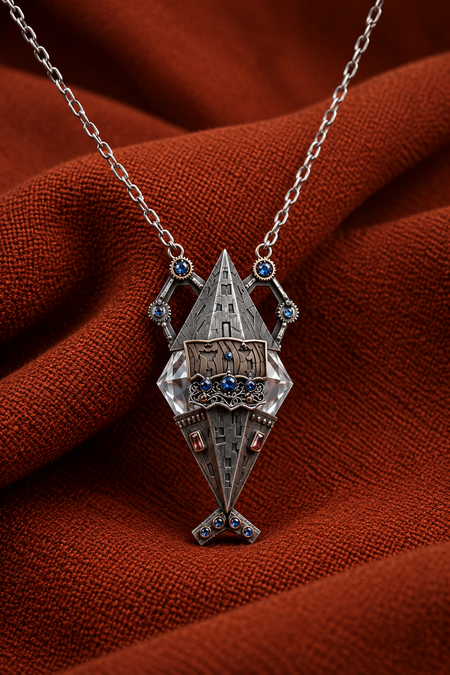
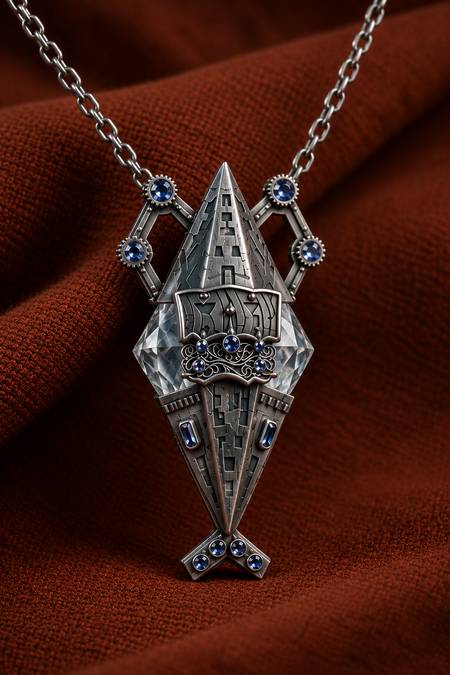
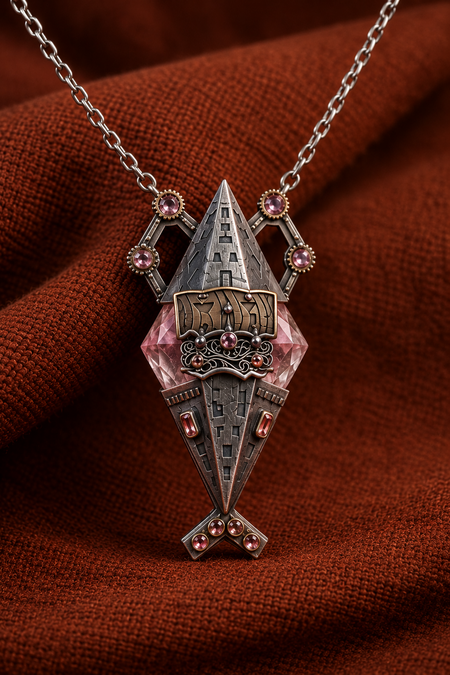
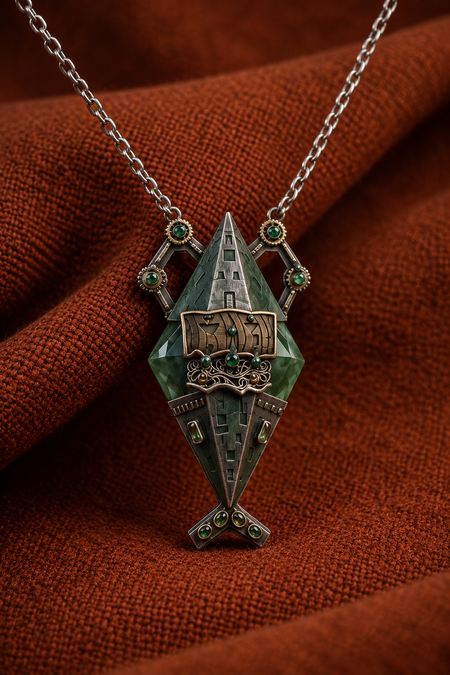
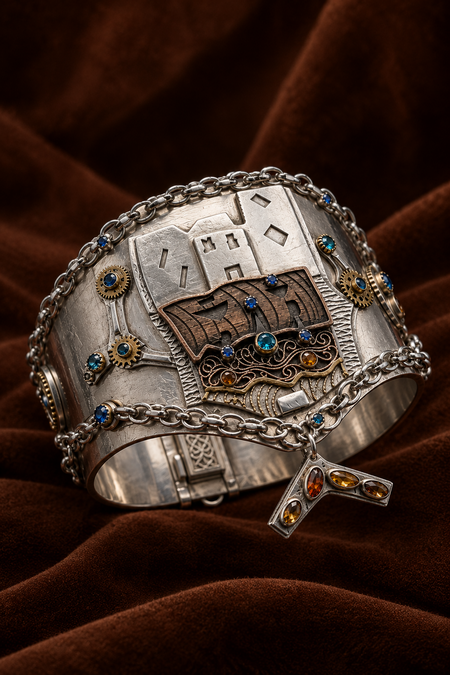
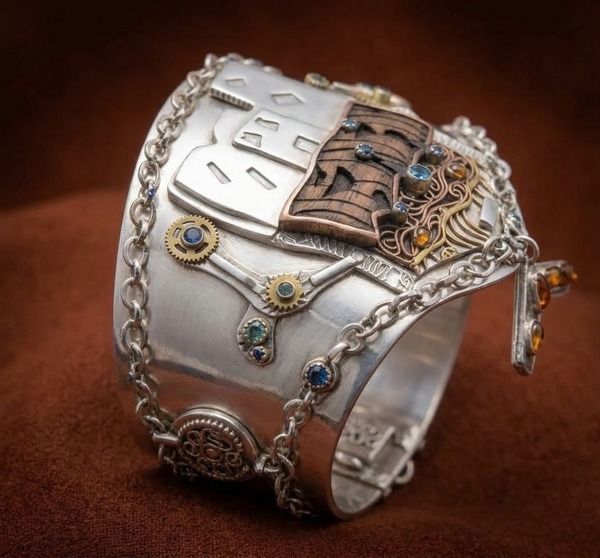
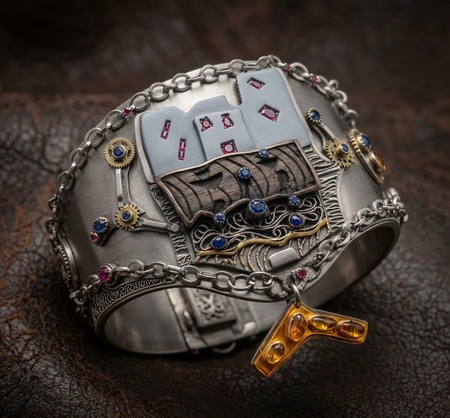
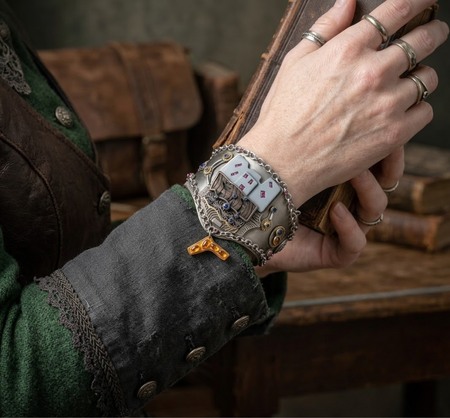
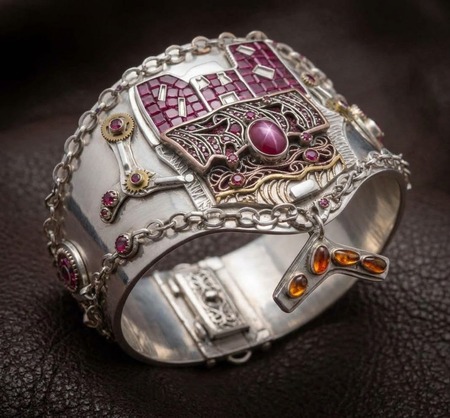
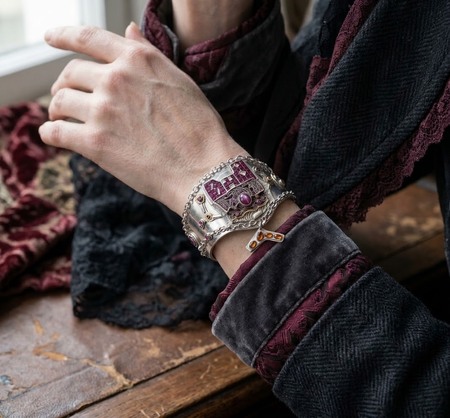
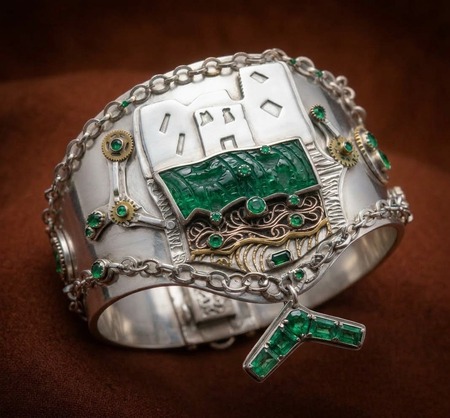
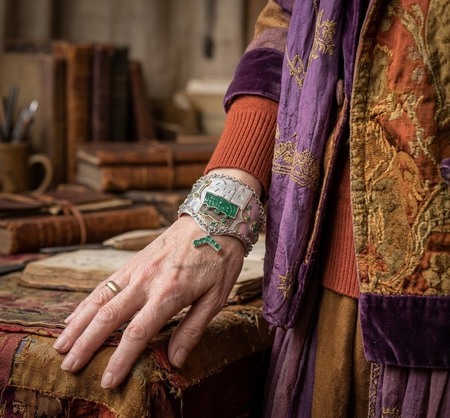
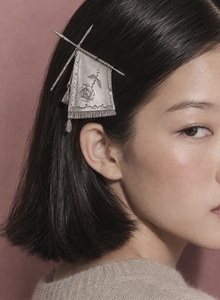
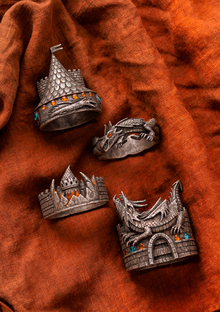
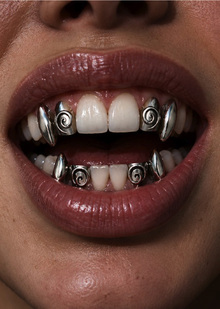
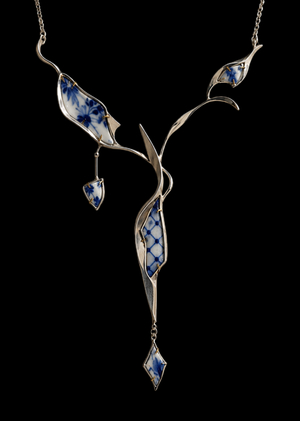
Коллекция ювелирных украшений, вдохновленная древними артефактами. Ажурное серебро, глубокие оттенки драгоценных камней создают ощущение предметов из забытой цивилизации. Каждая деталь хранит свою историю. Эти украшения находятся на грани прошлого и фантазии
ЮВЕЛИРНАЯ СЕРИЯ
Такая КРАСОТА подойдет любителям стимпанк эстетики, винтажных вещей, мифологии и истории. А также людям, которые ценят ручные изделия с «душой»
0
0
0
0
0
0
0
1/3
1 — СЕРЕЖКИ
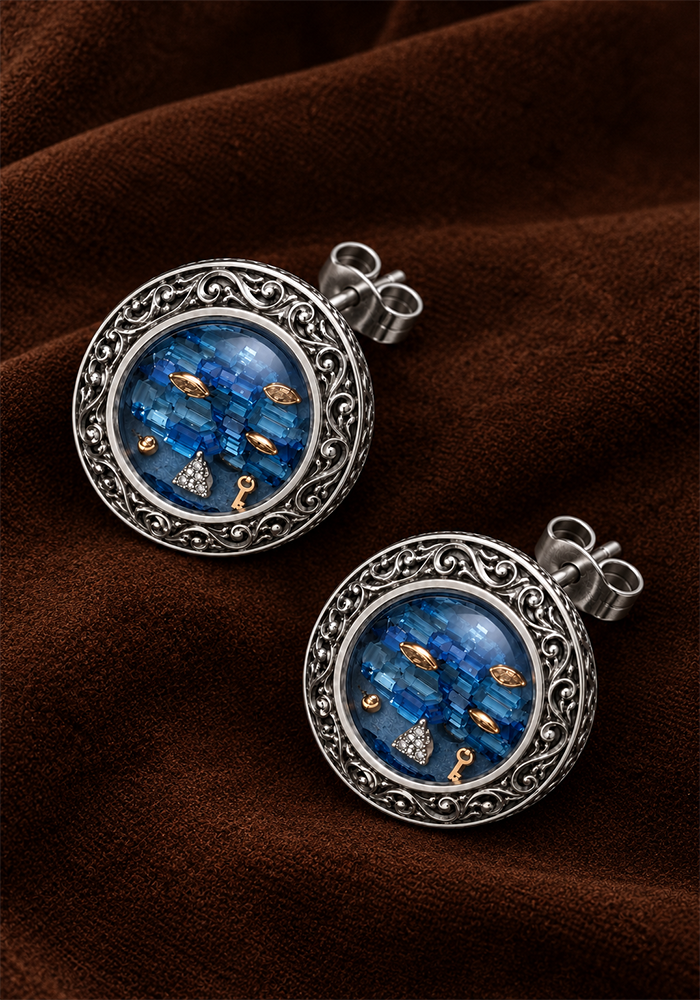
Серьги из серебра. Оправа ажурная, а металл слегка состарен. Центральная часть из топаза. Мелкие детальки из золота, а маленький треугольничек из бриллианта
Вариации
ЯНТАРЬ
РОЗОЛИТ
НЕФРИТ
2 — КУЛОН
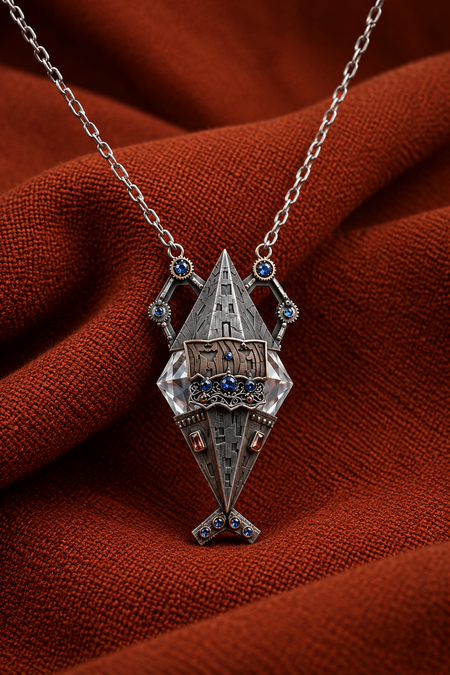
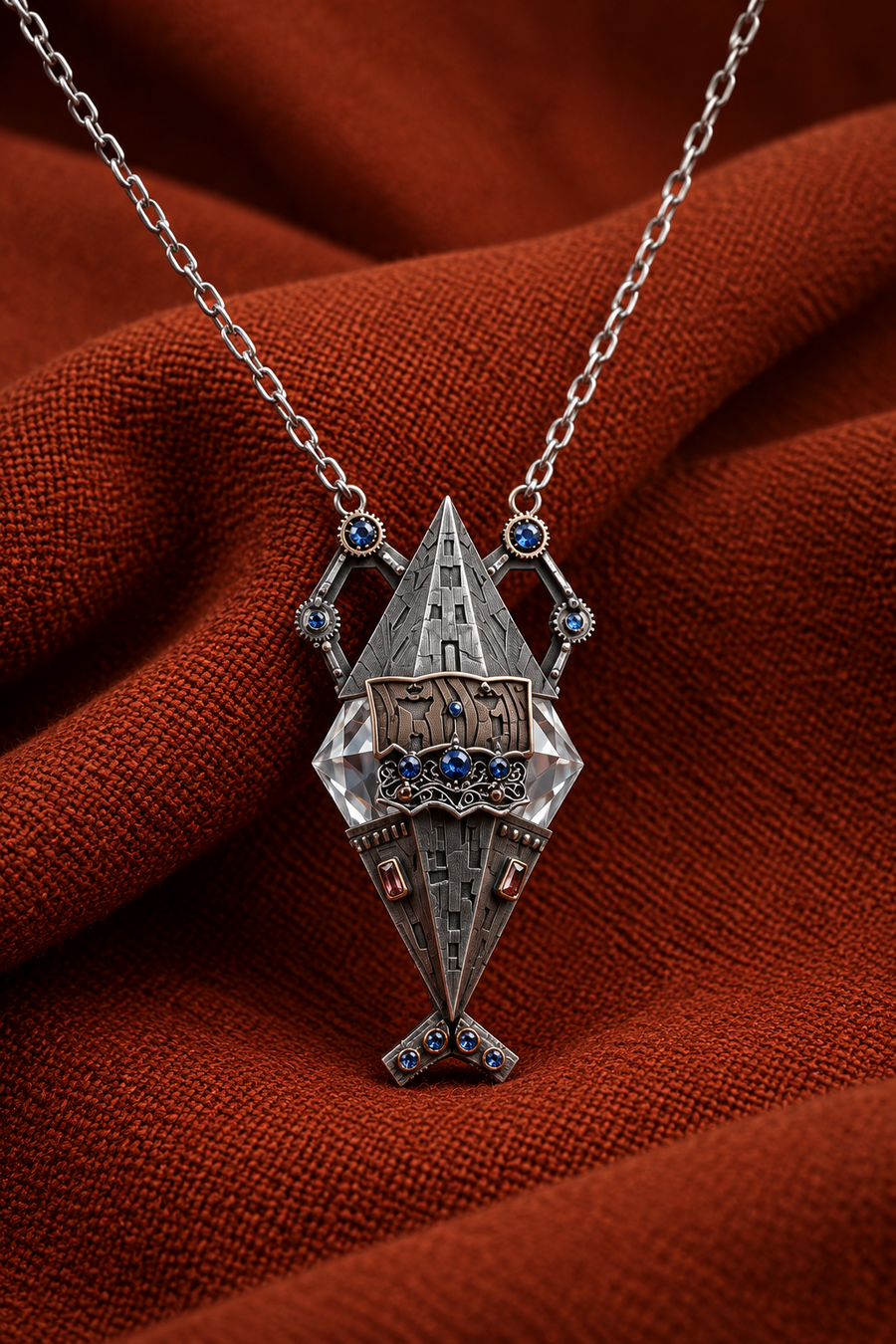
Кулон из качественного ювелирного сплава с темным покрытием. Есть участки с более теплым оттенком из латуни. Цепочка сделана из обычного серебра. Центральный крупный камень из горного хрусталя. Мелкие вставки из цветного стекла (синие) и янтаря (оранжевые).
Вариации
ТИТАН
РОЗОЛИТ
НЕФРИТ
3 — БРАСЛЕТ
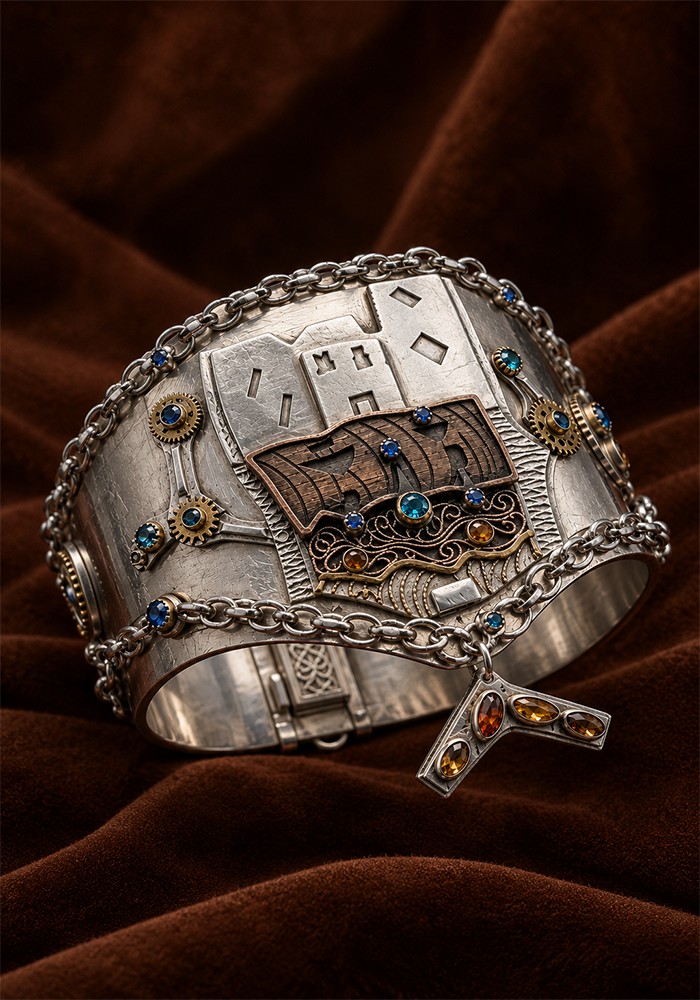
Серебряный браслет с инкрустацией сапфирами и янтарем. Цепи сделаны из белого золота. Шестеренки из классического золота. Верхняя деталь изготовлена из эбенового дерева.
Press space bar to start a drag.
When dragging you can use the arrow keys to move the item around and escape to cancel.
Some screen readers may require you to be in focus mode or to use your pass through key
Press space bar to start a drag.
When dragging you can use the arrow keys to move the item around and escape to cancel.
Some screen readers may require you to be in focus mode or to use your pass through key
Press space bar to start a drag.
When dragging you can use the arrow keys to move the item around and escape to cancel.
Some screen readers may require you to be in focus mode or to use your pass through key
Press space bar to start a drag.
When dragging you can use the arrow keys to move the item around and escape to cancel.
Some screen readers may require you to be in focus mode or to use your pass through key
Press space bar to start a drag.
When dragging you can use the arrow keys to move the item around and escape to cancel.
Some screen readers may require you to be in focus mode or to use your pass through key
Press space bar to start a drag.
When dragging you can use the arrow keys to move the item around and escape to cancel.
Some screen readers may require you to be in focus mode or to use your pass through key
Press space bar to start a drag.
When dragging you can use the arrow keys to move the item around and escape to cancel.
Some screen readers may require you to be in focus mode or to use your pass through key
Press space bar to start a drag.
When dragging you can use the arrow keys to move the item around and escape to cancel.
Some screen readers may require you to be in focus mode or to use your pass through key
Press space bar to start a drag.
When dragging you can use the arrow keys to move the item around and escape to cancel.
Some screen readers may require you to be in focus mode or to use your pass through key
Press space bar to start a drag.
When dragging you can use the arrow keys to move the item around and escape to cancel.
Some screen readers may require you to be in focus mode or to use your pass through key
Press space bar to start a drag.
When dragging you can use the arrow keys to move the item around and escape to cancel.
Some screen readers may require you to be in focus mode or to use your pass through key
Press space bar to start a drag.
When dragging you can use the arrow keys to move the item around and escape to cancel.
Some screen readers may require you to be in focus mode or to use your pass through key