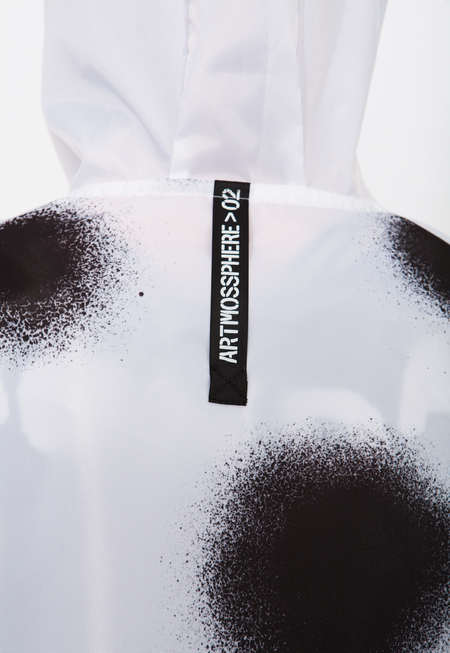
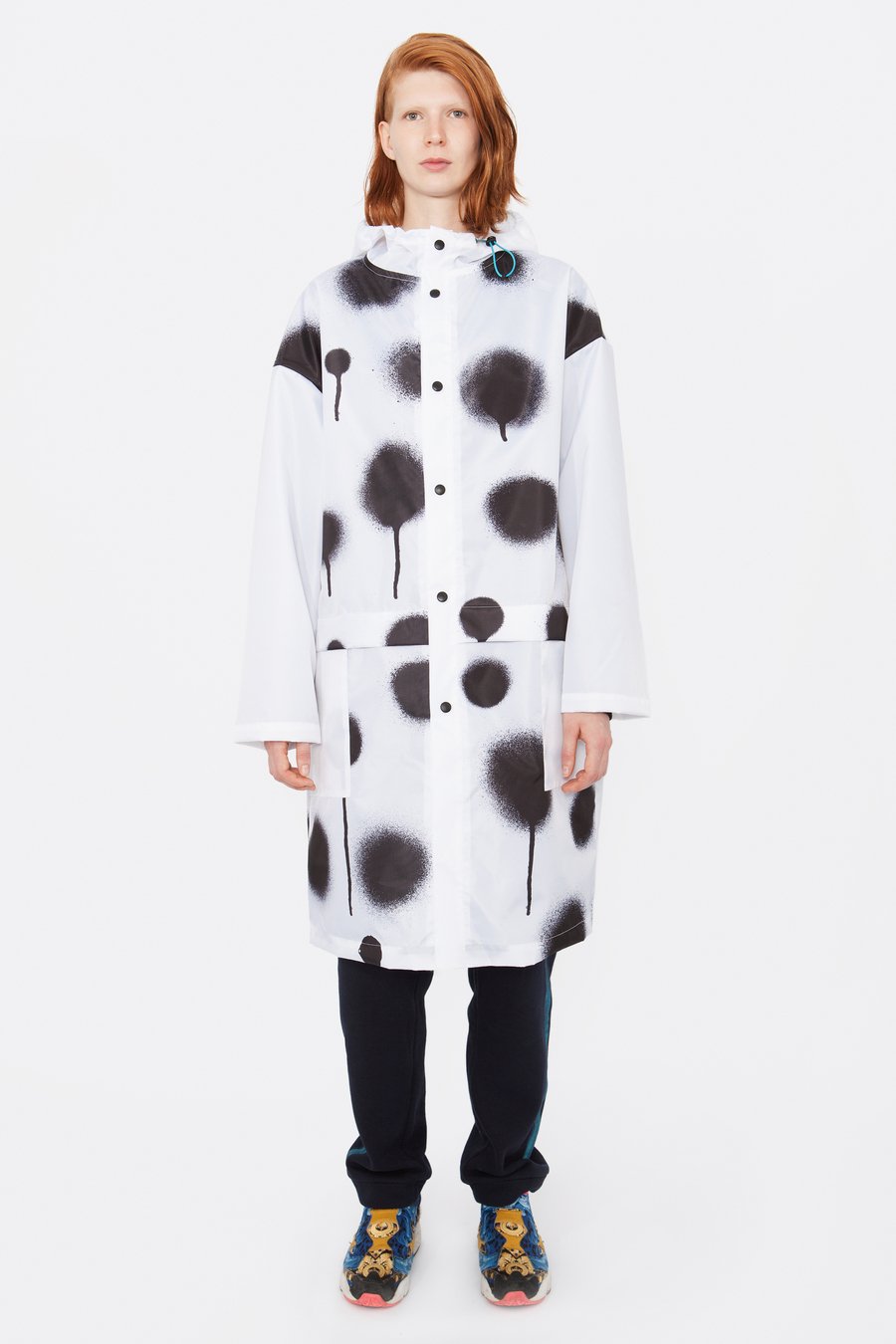
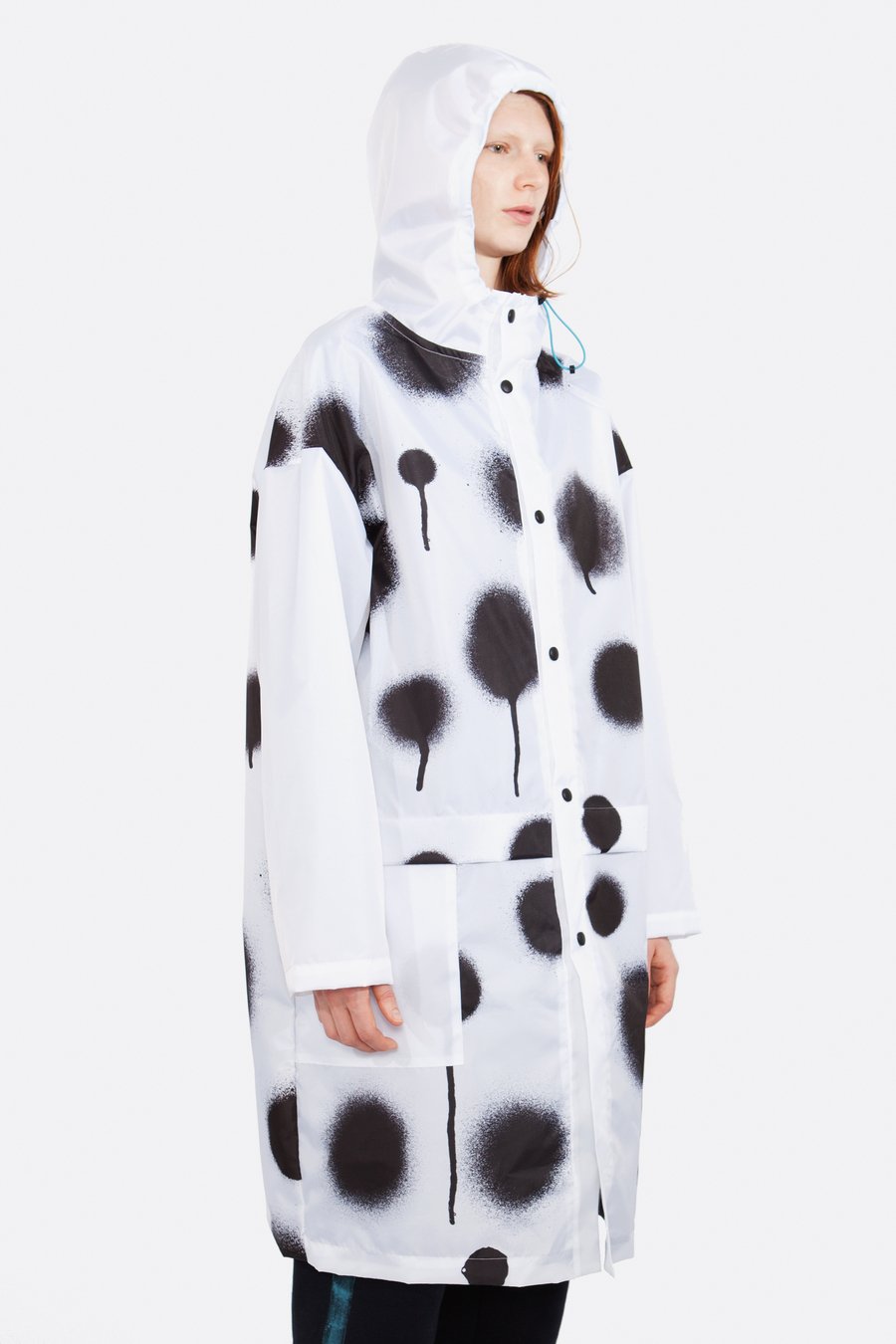
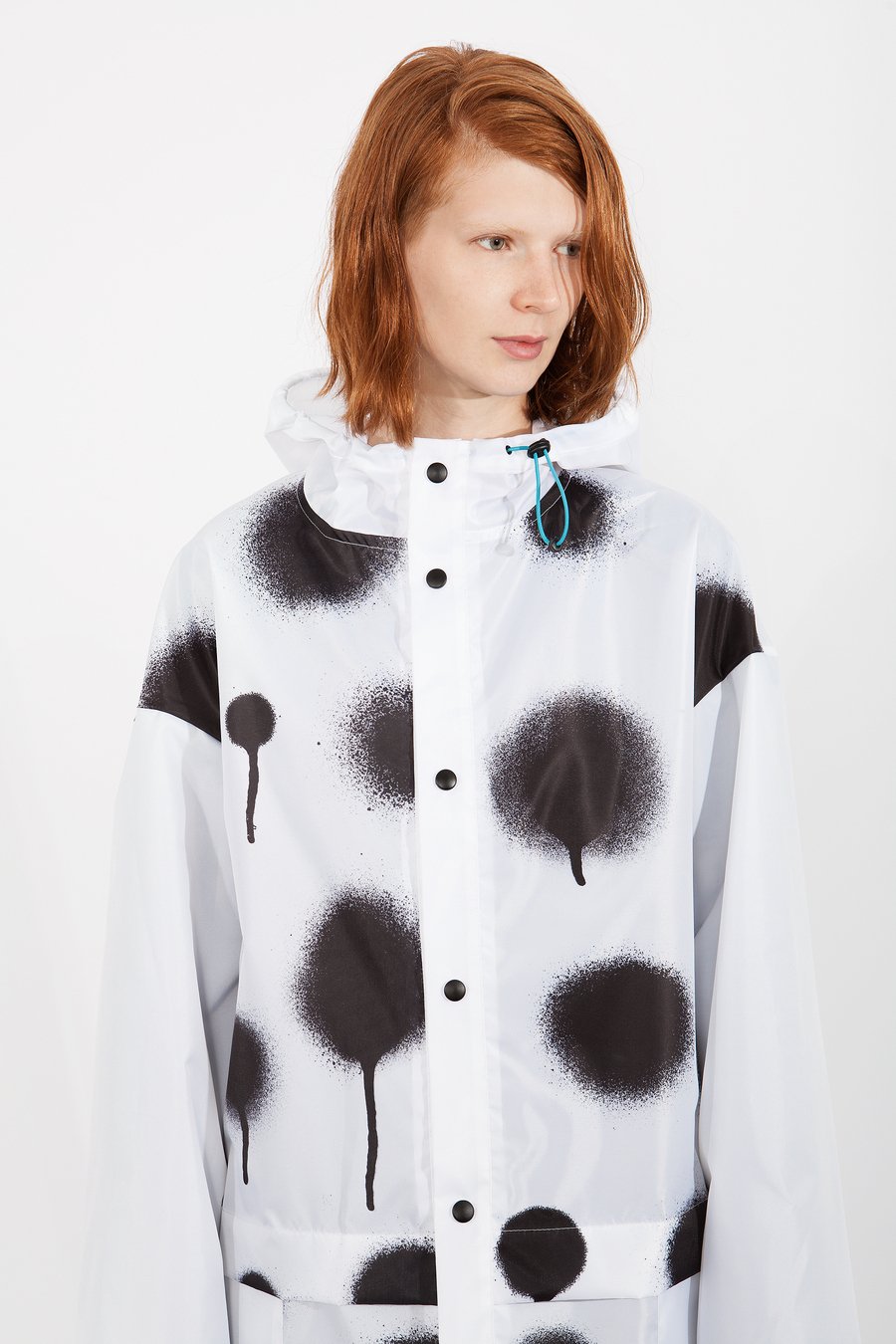
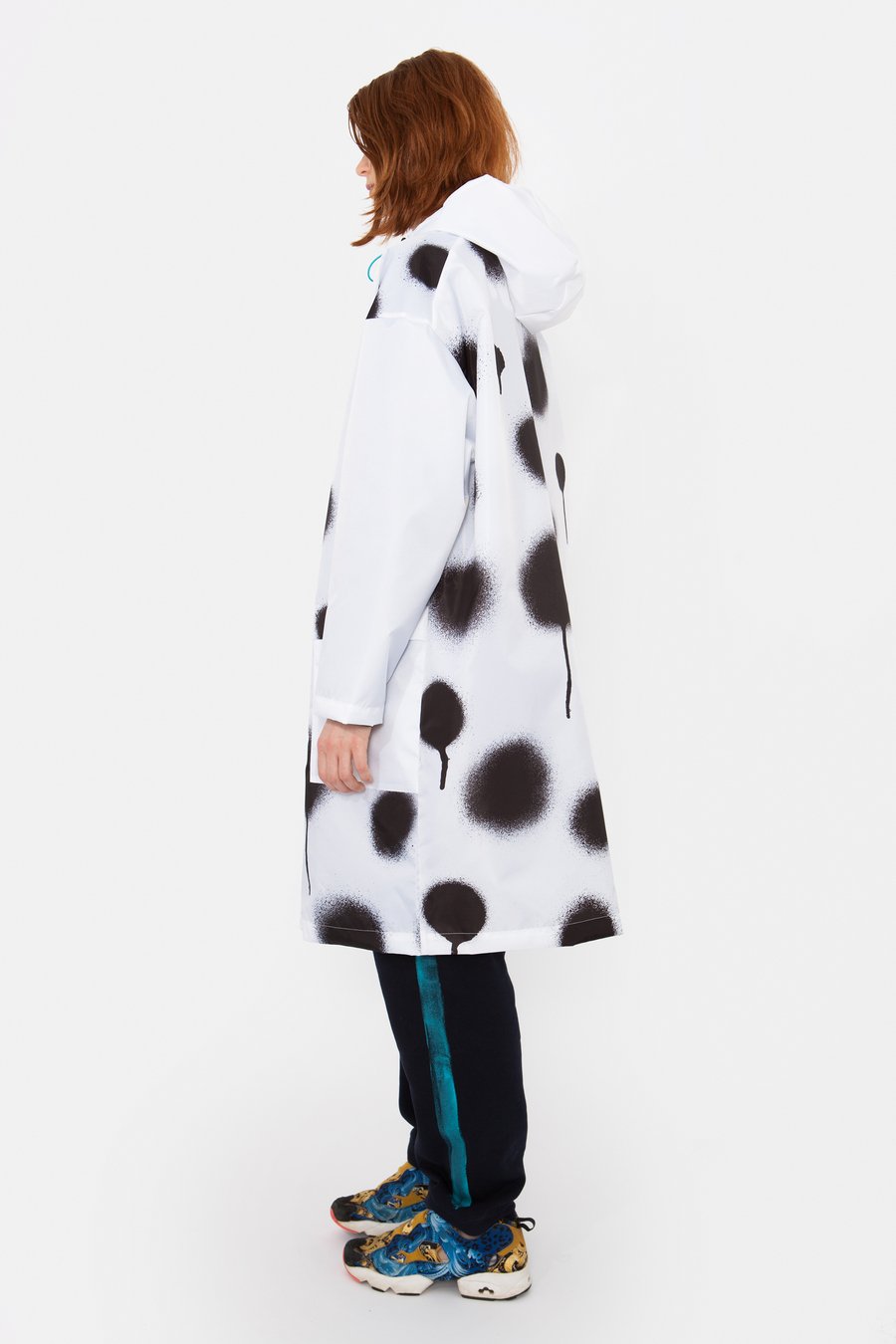
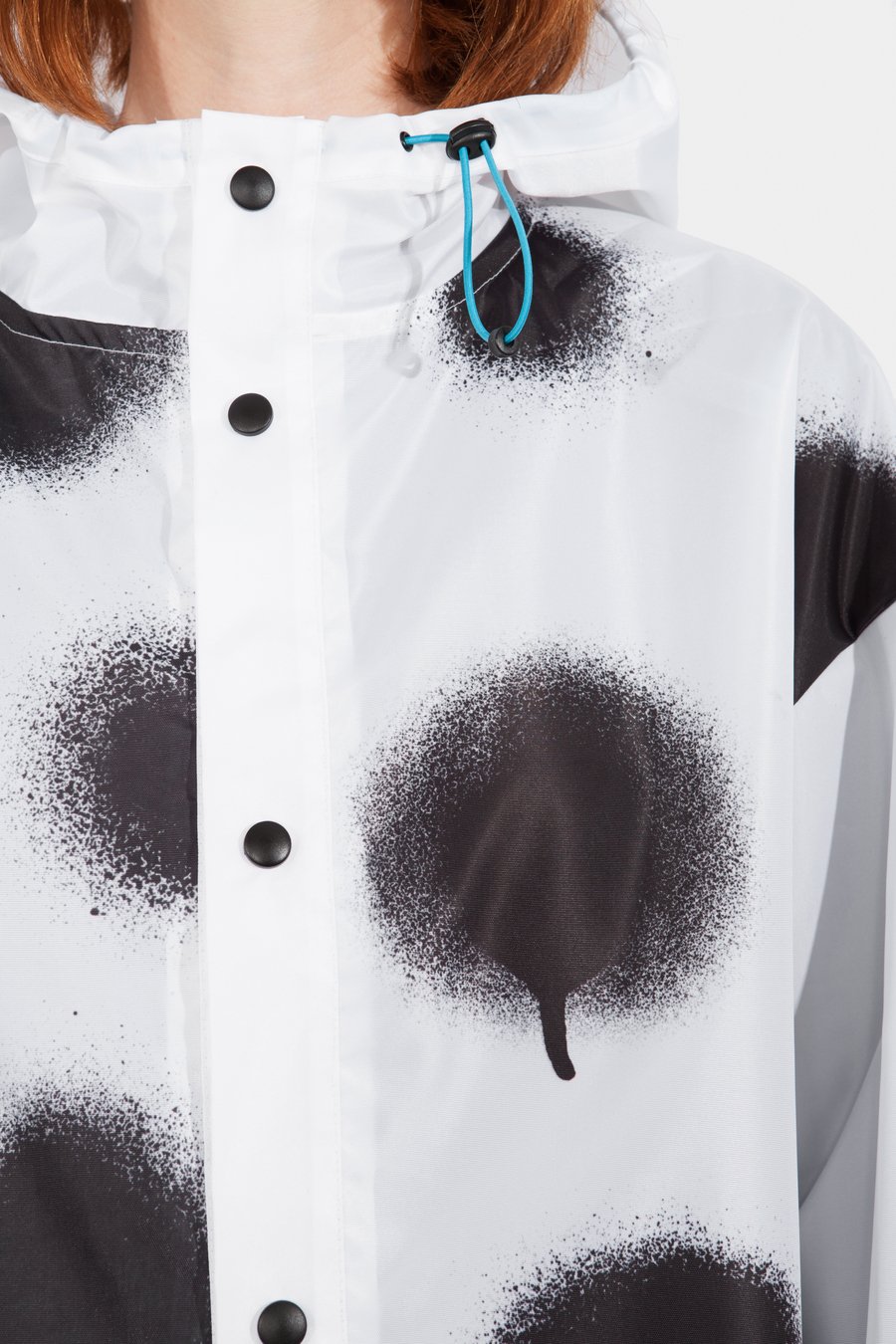
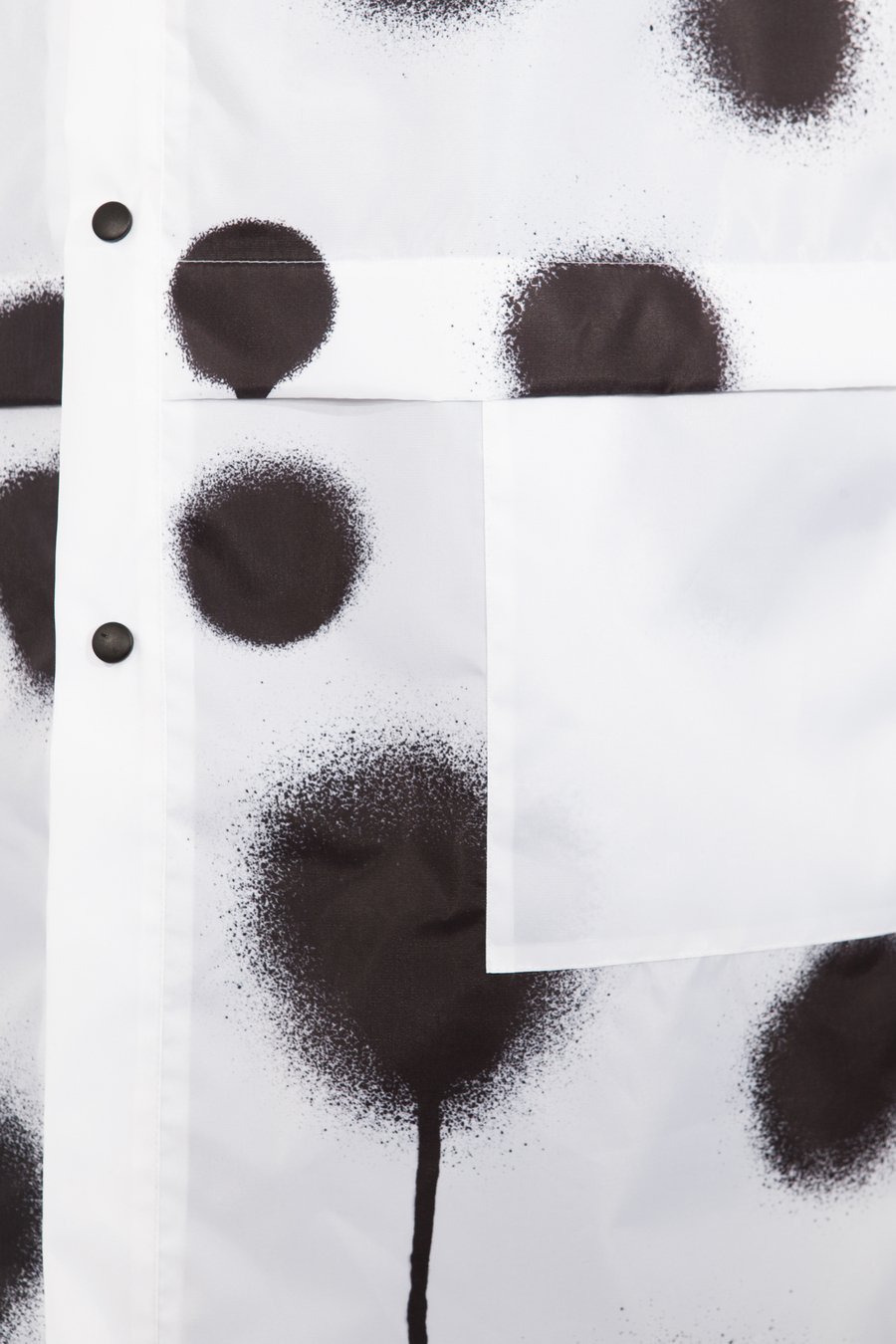
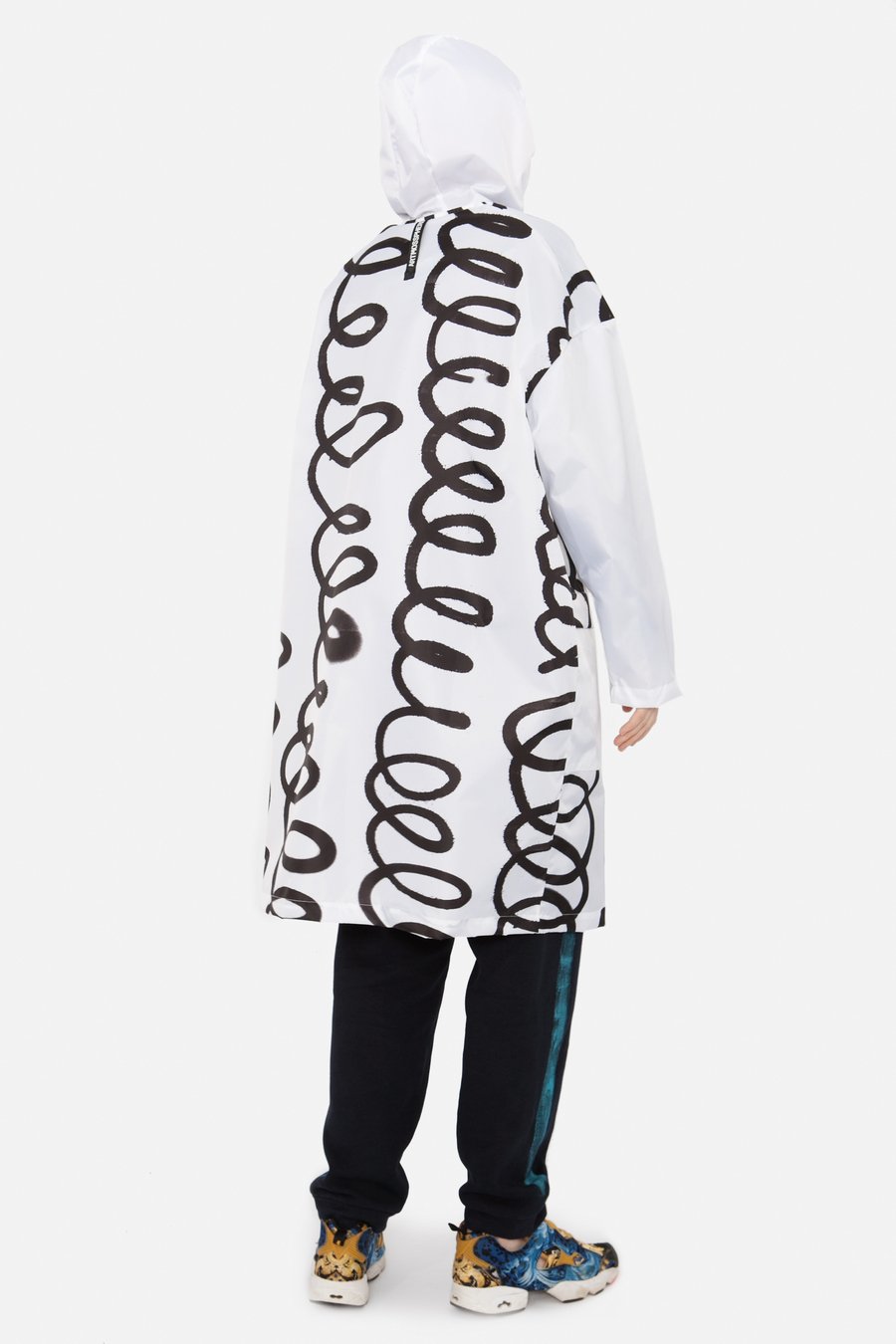
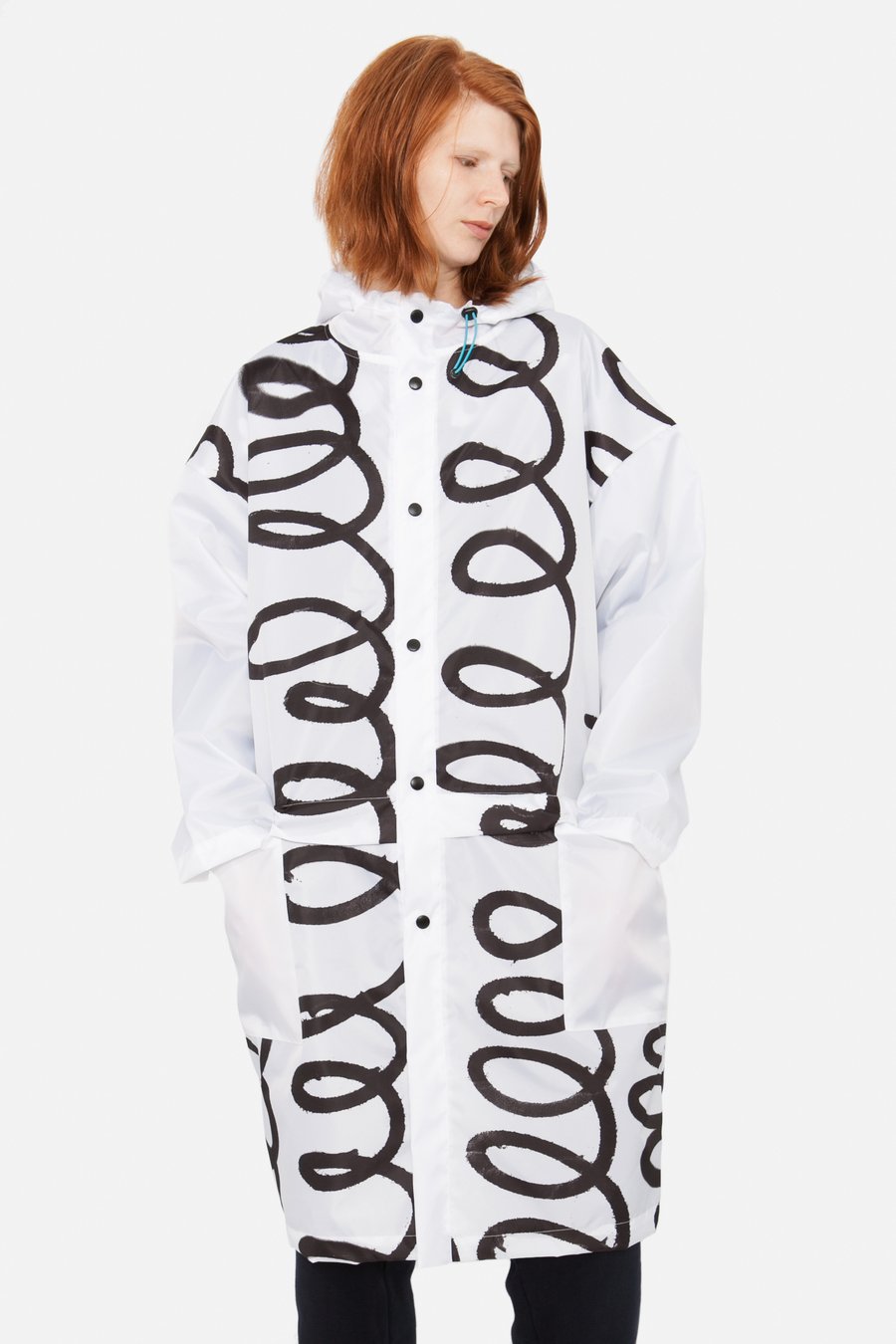
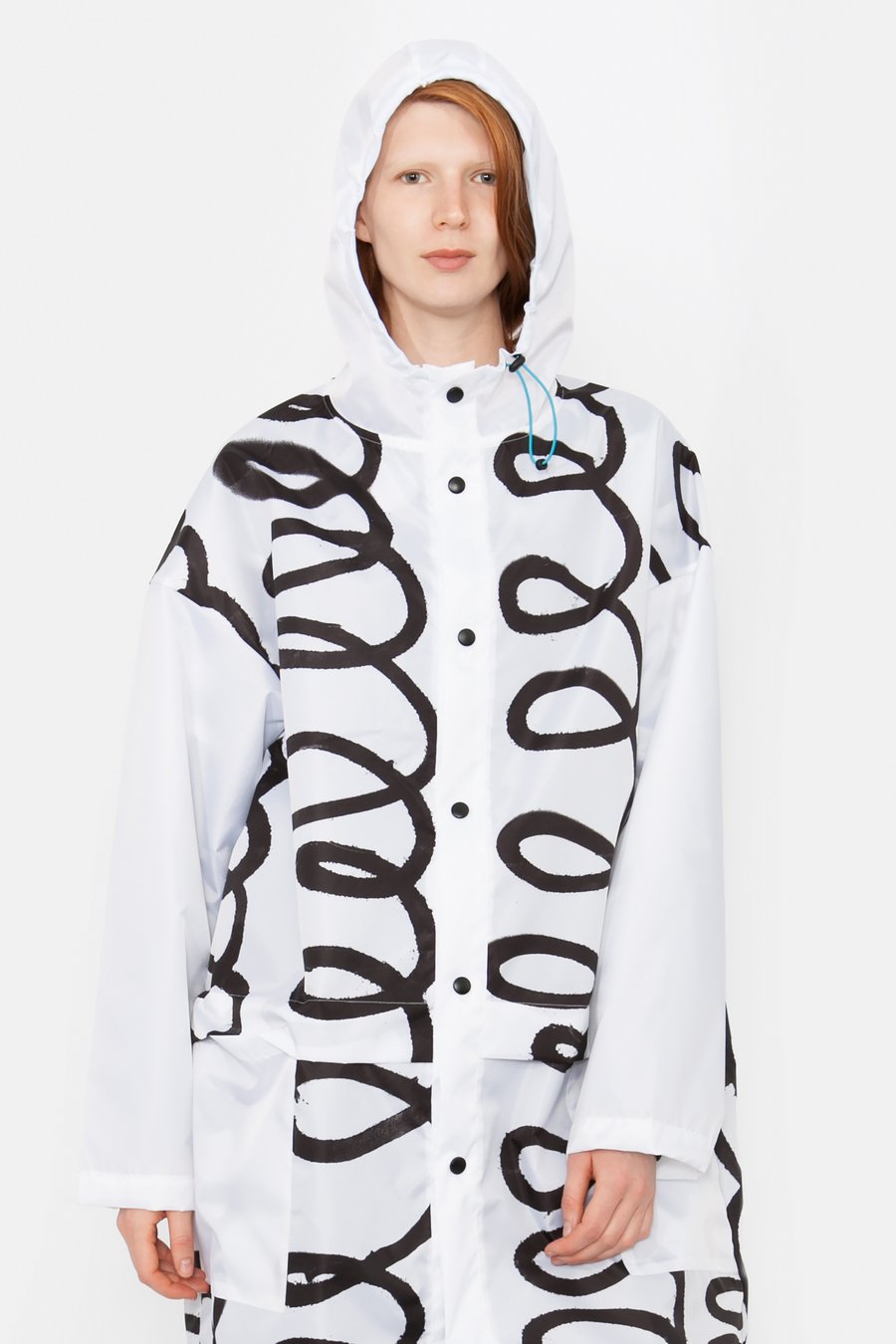
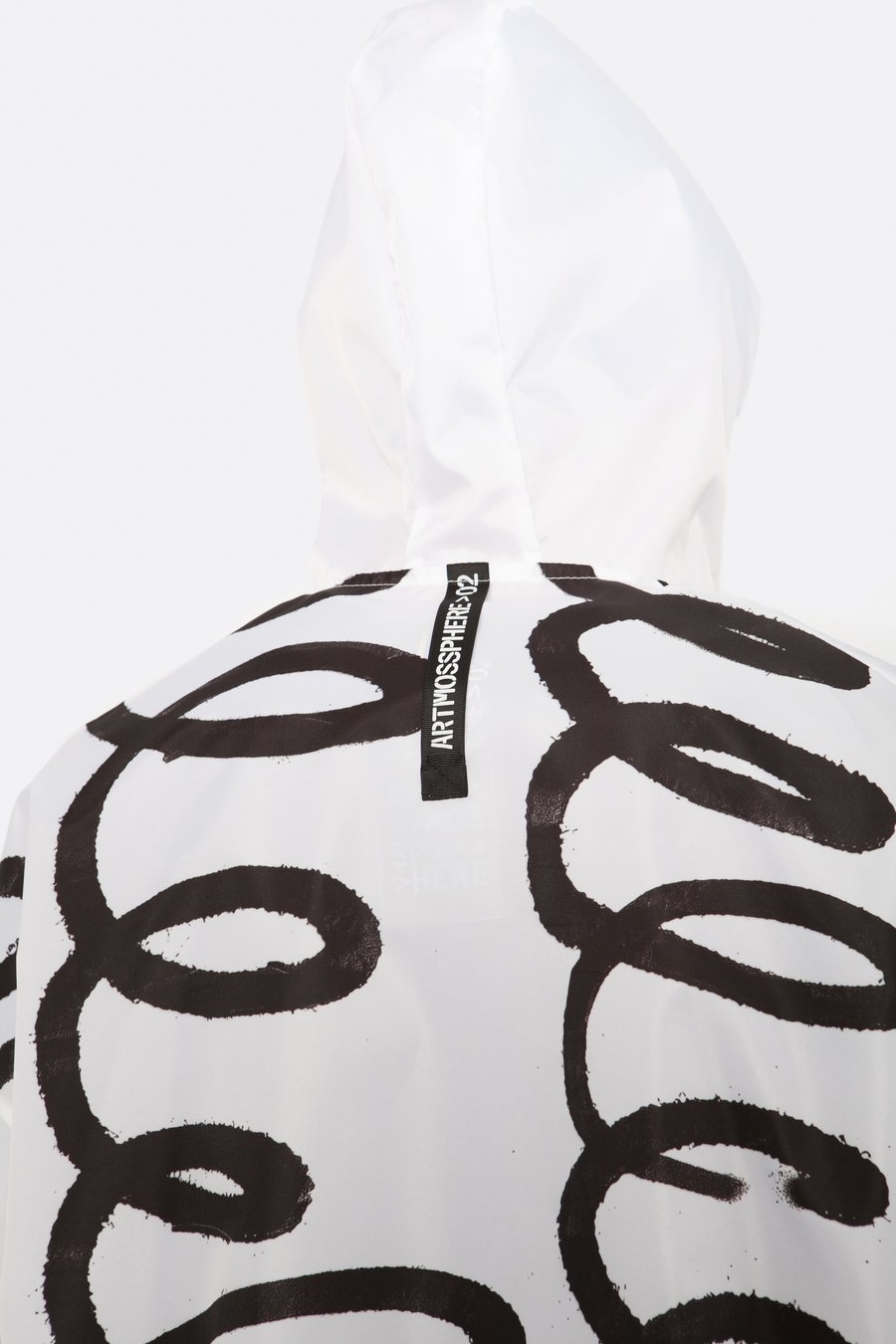
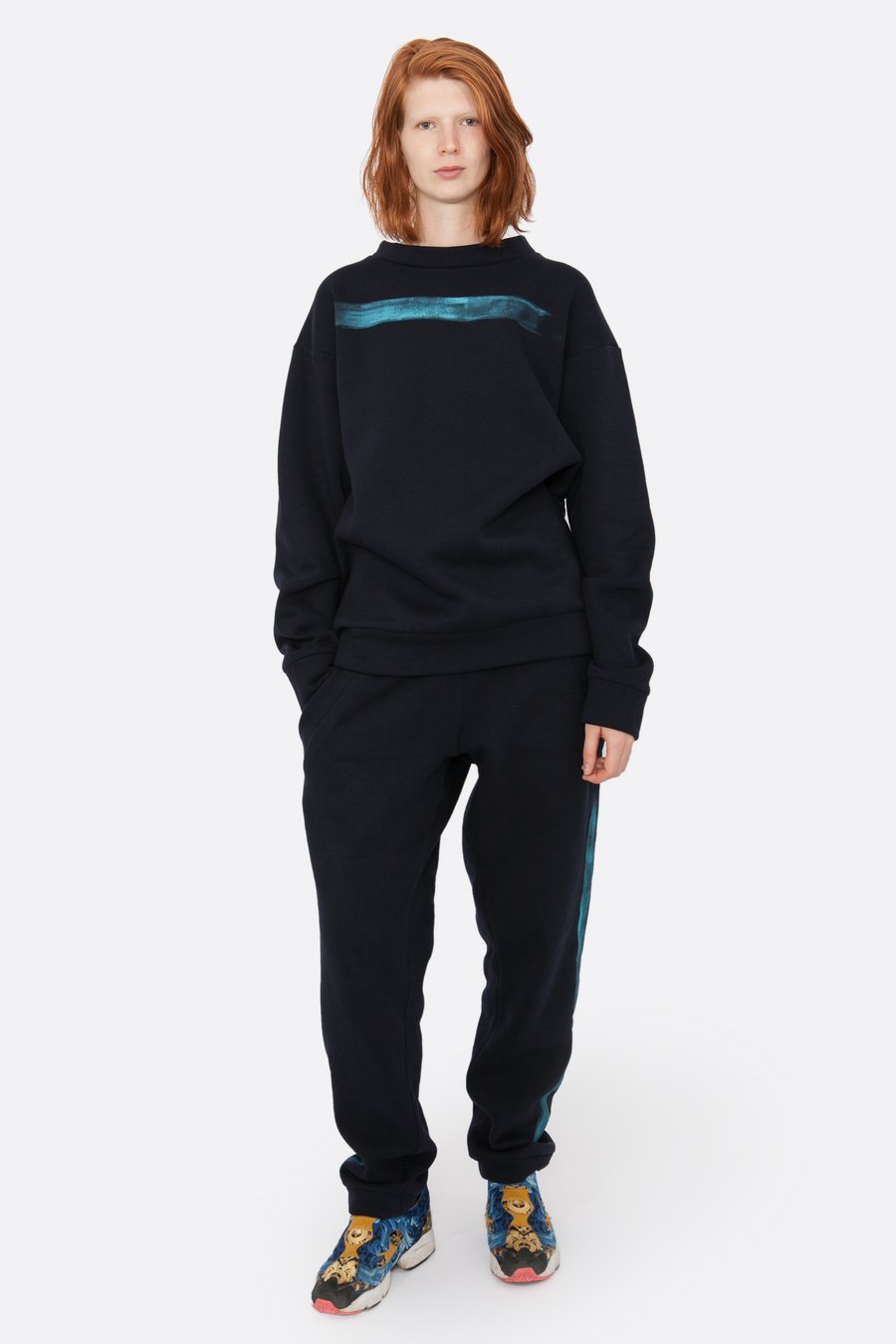
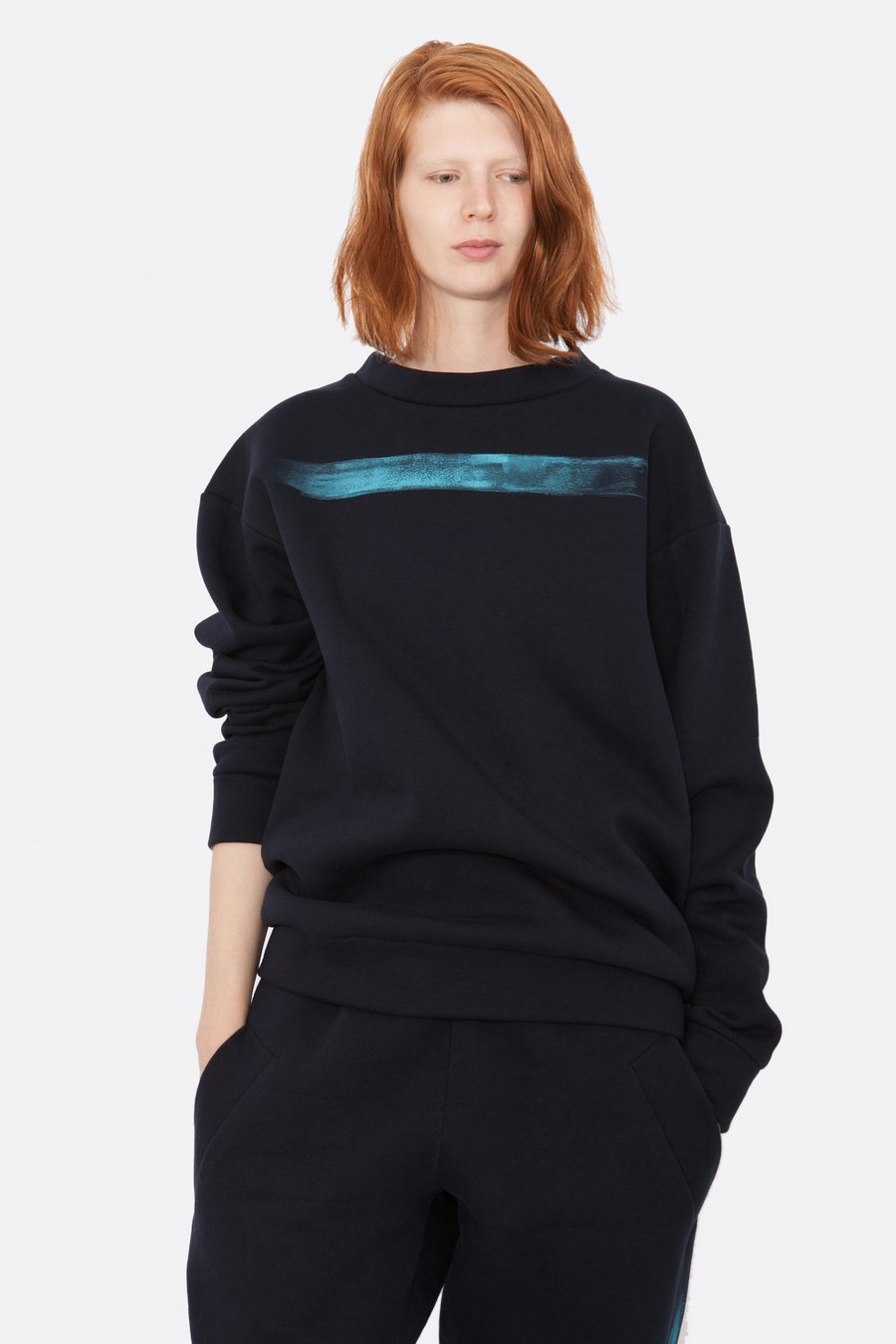
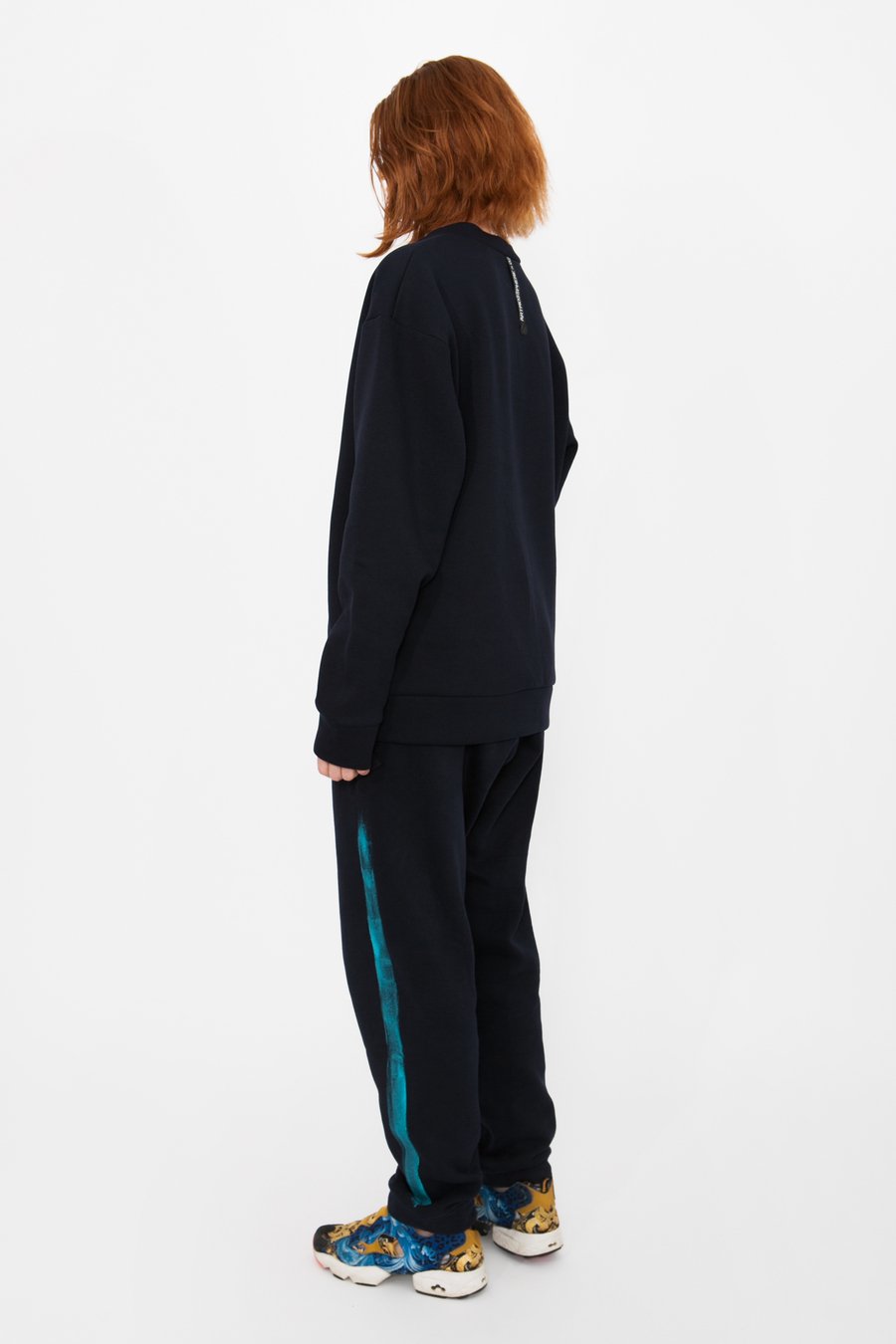
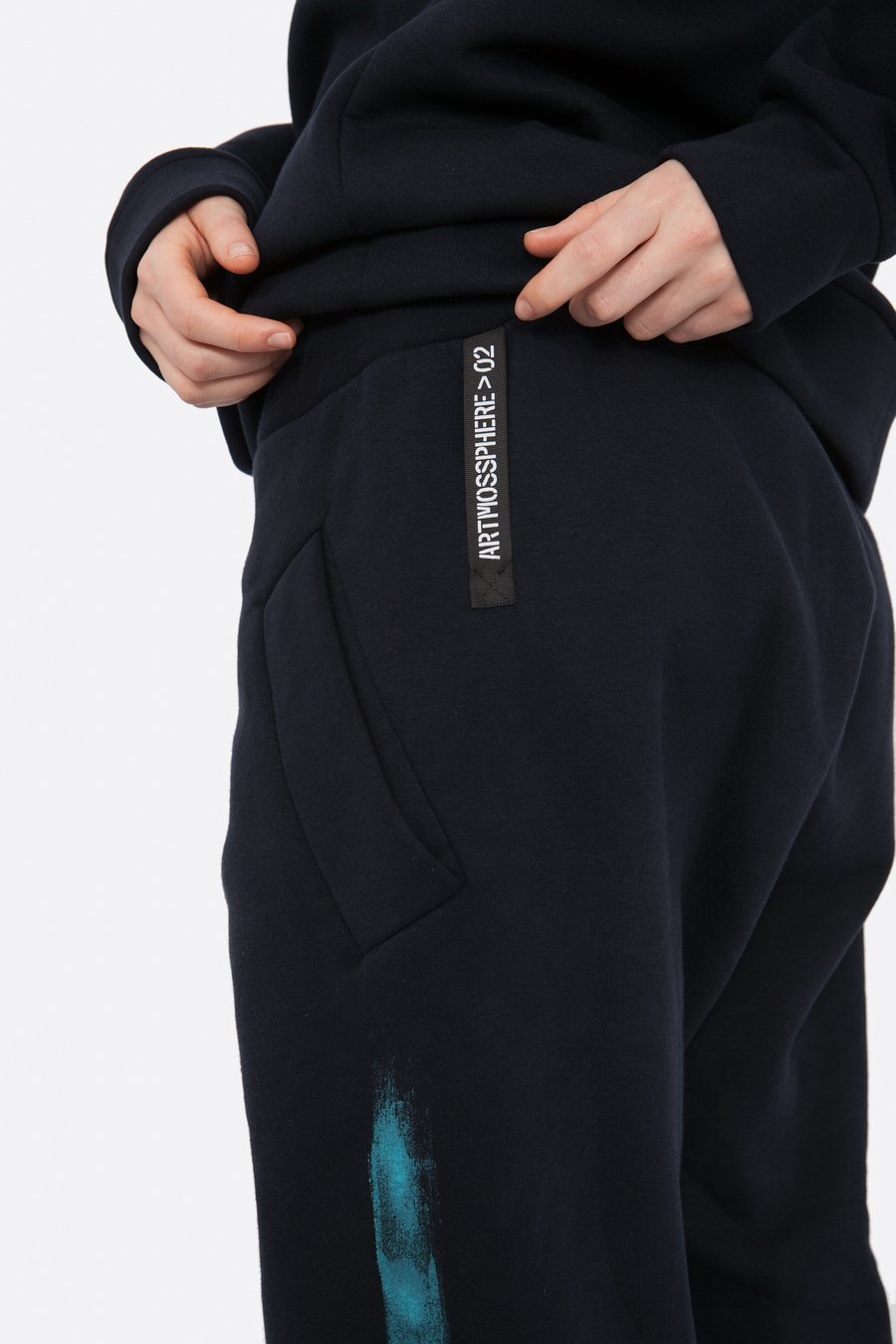
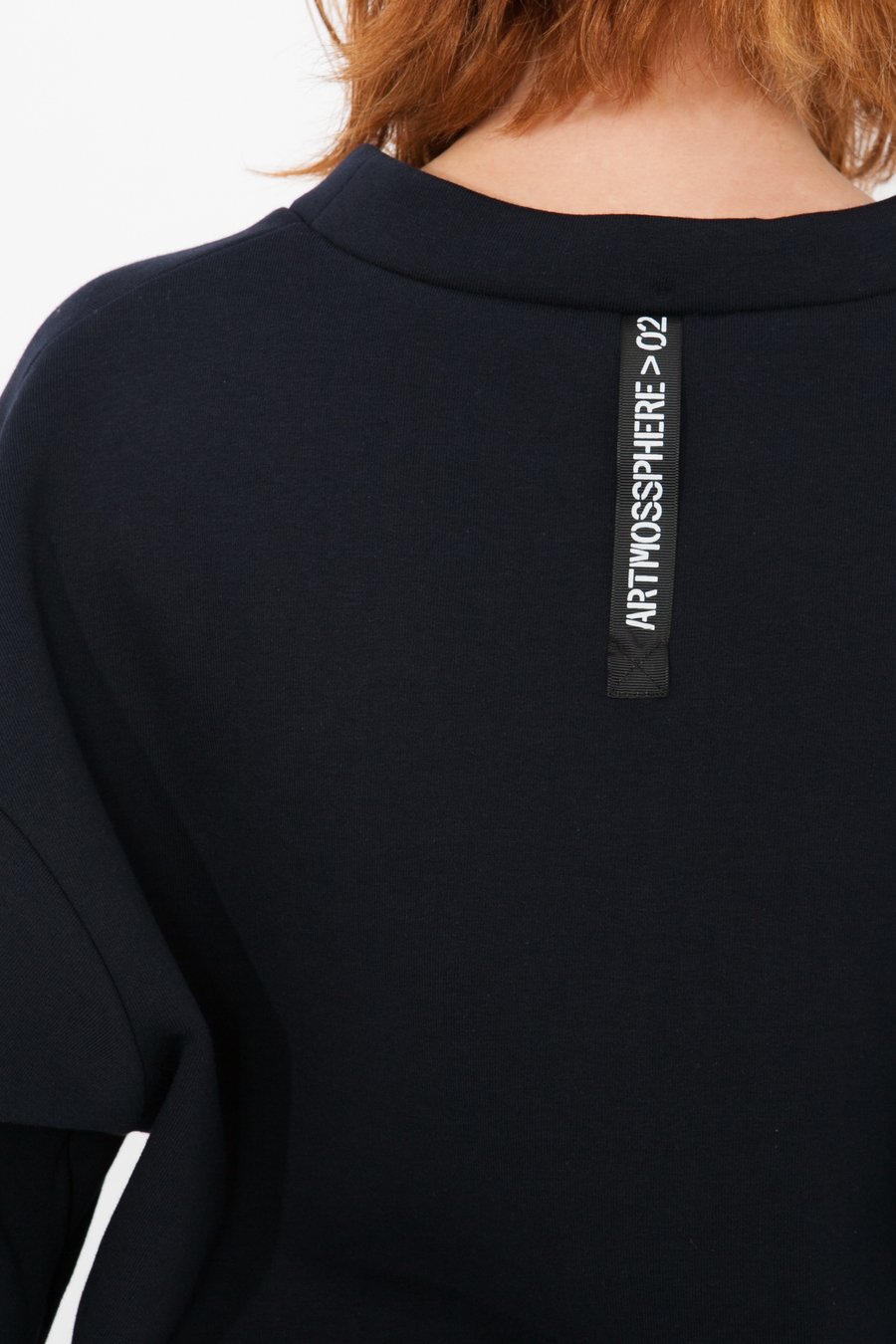
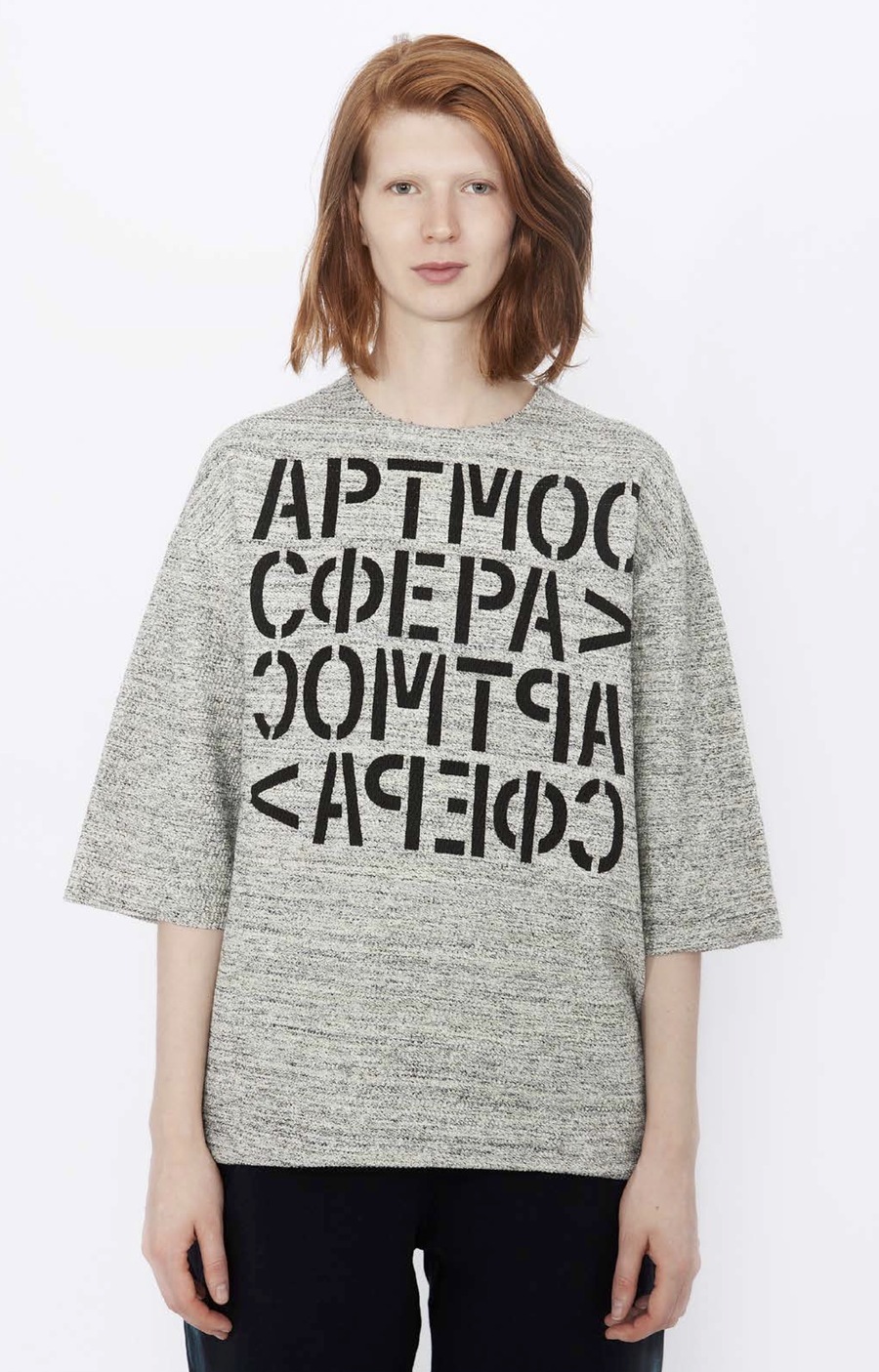
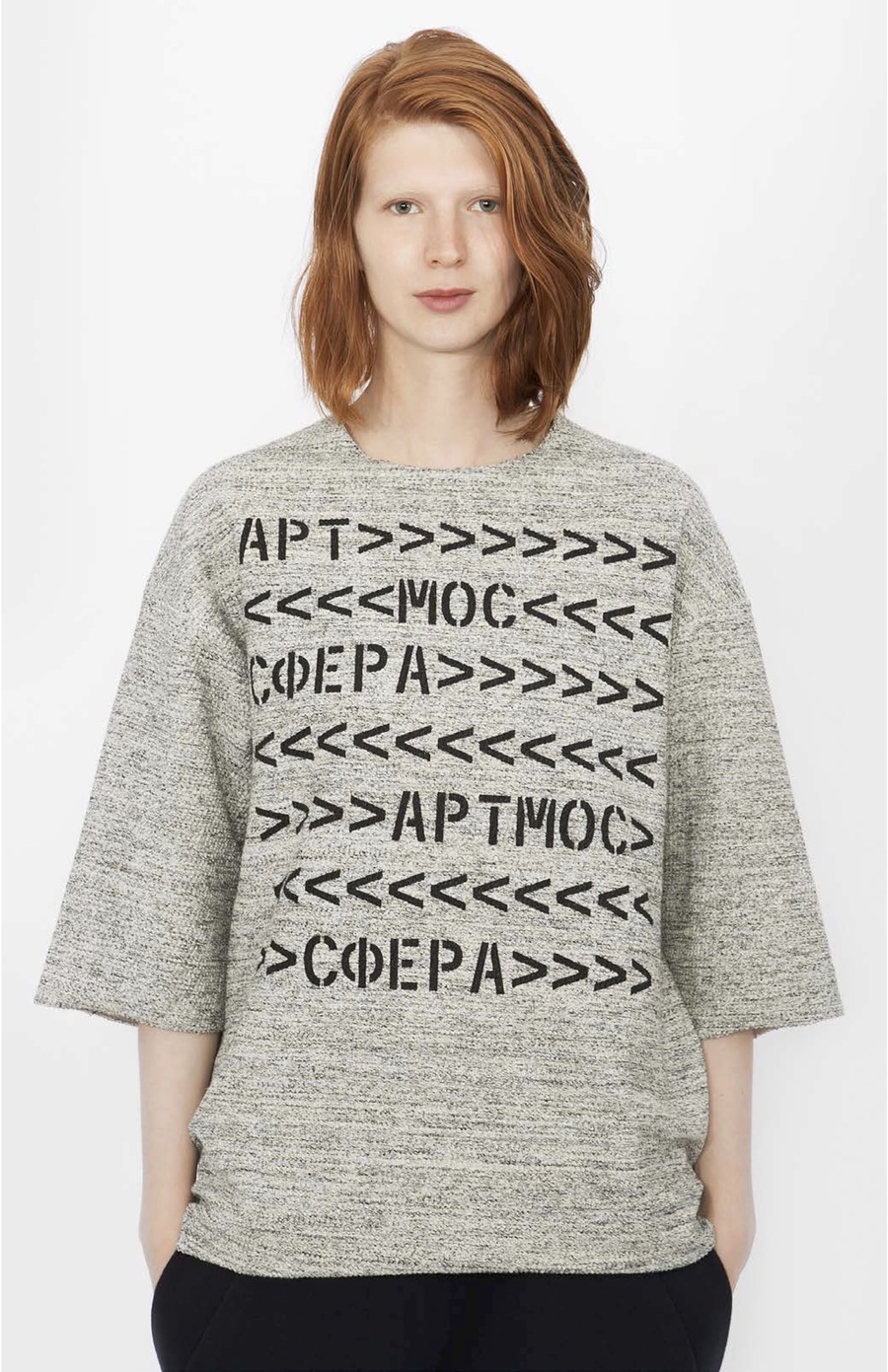
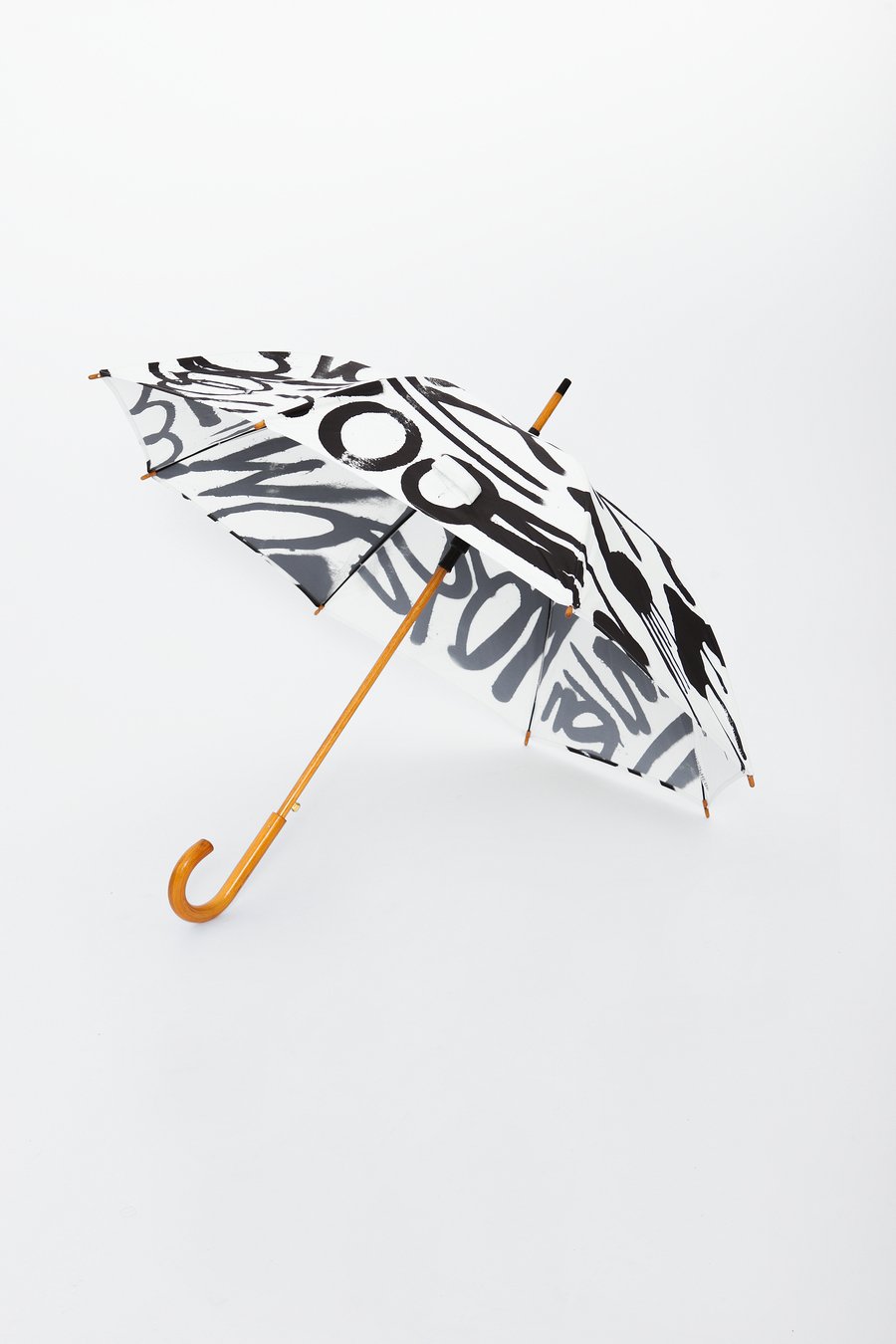
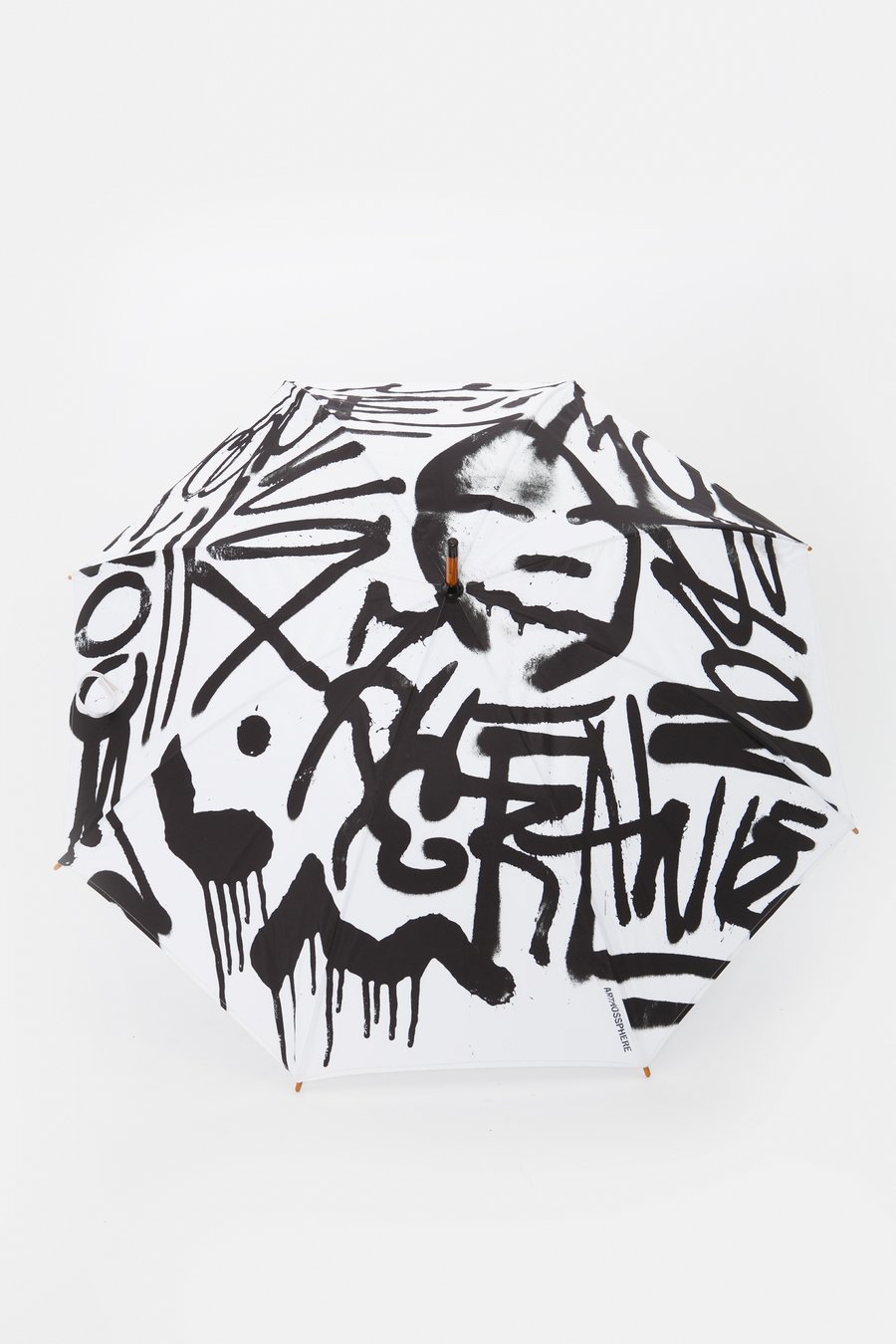
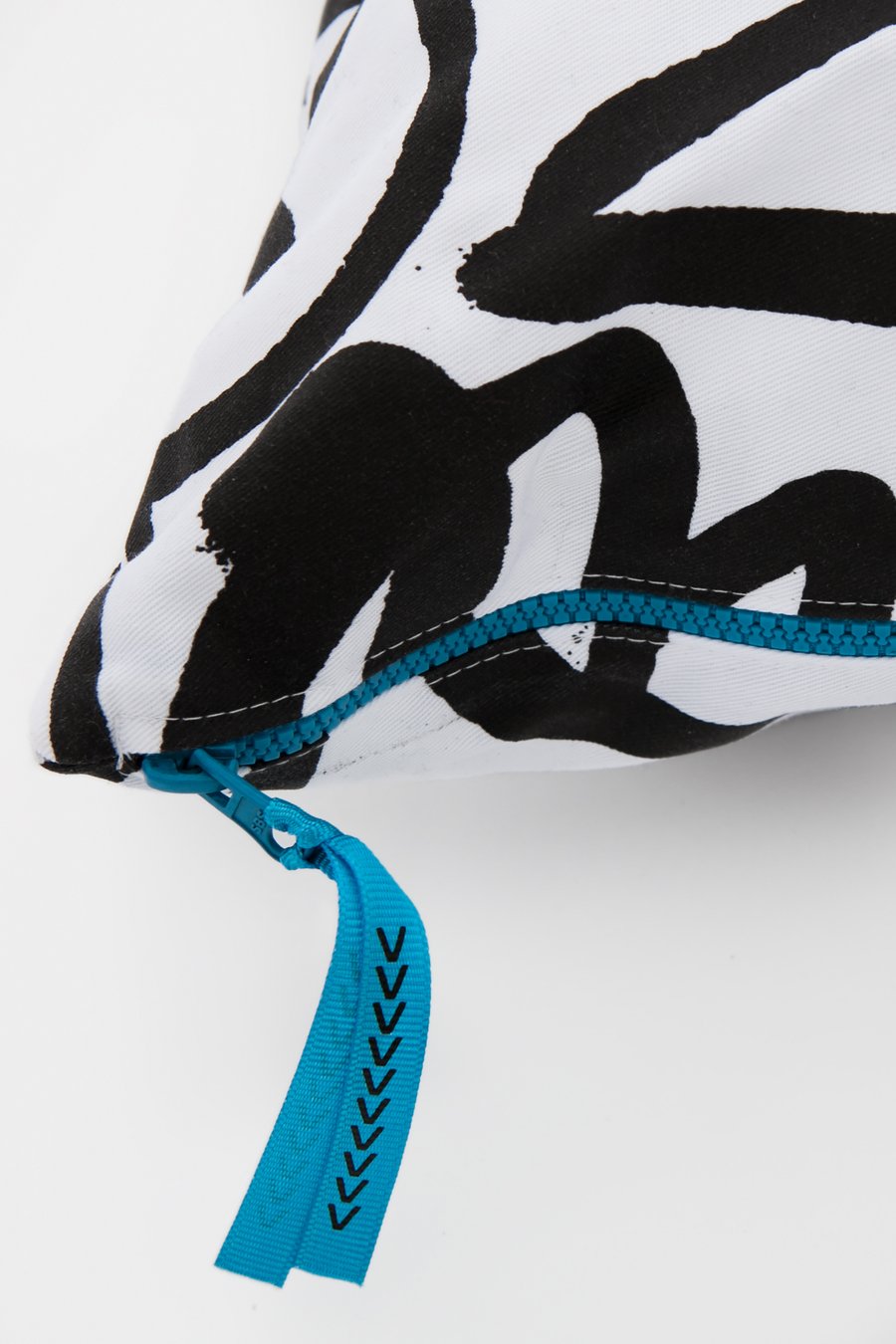
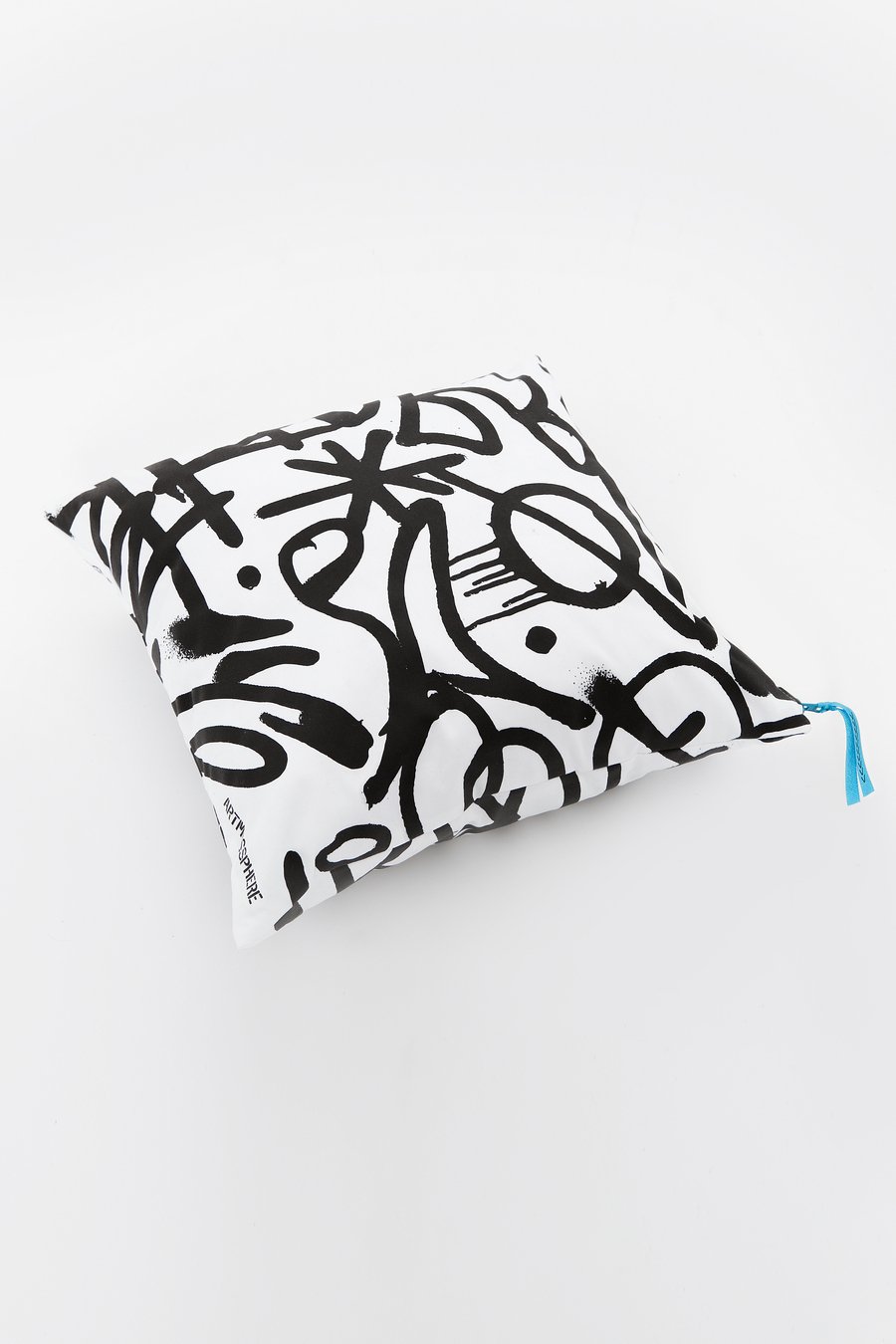
Капсульная коллекция одежды ARTMOSSPHERE вдохновлена художниками, с которыми регулярно сотрудничает объединение. Это собирательный образ,
в котором узнаются черты стрит-арт сообщества
и базовые элементы граффити — росчерк спрея, абстрактные мазки кисти, шифр тэга, графика трафарета. Концепцию бренда и дизайн первых вещей разработала Panika Derevya. Коллекция включает предметы одежды
и аксессуары: дождевик, толстовку, брюки, футболку, зонт и подушку. Была представлена во время II Биеннале «Невидимая стена».
Фото Алена Ермишина
Модель Александра Всесвятская
Дизайн и арт-дирекшн Panika Derevya
Графический дизайн Влад Захаров
Принты Женя Желваков
Автор создал lookbook капсульной коллекции одежды ARTMOSSPHERE 2016 года, вдохновлённой стрит-артом и граффити. Проект включает в себя предметы одежды и аксессуары, представленные во время II Биеннале «Невидимая стена» в Tsvetnoy Central Market.
Press space bar to start a drag.
When dragging you can use the arrow keys to move the item around and escape to cancel.
Some screen readers may require you to be in focus mode or to use your pass through key
Press space bar to start a drag.
When dragging you can use the arrow keys to move the item around and escape to cancel.
Some screen readers may require you to be in focus mode or to use your pass through key
Press space bar to start a drag.
When dragging you can use the arrow keys to move the item around and escape to cancel.
Some screen readers may require you to be in focus mode or to use your pass through key
Press space bar to start a drag.
When dragging you can use the arrow keys to move the item around and escape to cancel.
Some screen readers may require you to be in focus mode or to use your pass through key
Press space bar to start a drag.
When dragging you can use the arrow keys to move the item around and escape to cancel.
Some screen readers may require you to be in focus mode or to use your pass through key
Press space bar to start a drag.
When dragging you can use the arrow keys to move the item around and escape to cancel.
Some screen readers may require you to be in focus mode or to use your pass through key
Press space bar to start a drag.
When dragging you can use the arrow keys to move the item around and escape to cancel.
Some screen readers may require you to be in focus mode or to use your pass through key
Press space bar to start a drag.
When dragging you can use the arrow keys to move the item around and escape to cancel.
Some screen readers may require you to be in focus mode or to use your pass through key
Press space bar to start a drag.
When dragging you can use the arrow keys to move the item around and escape to cancel.
Some screen readers may require you to be in focus mode or to use your pass through key
Press space bar to start a drag.
When dragging you can use the arrow keys to move the item around and escape to cancel.
Some screen readers may require you to be in focus mode or to use your pass through key
Press space bar to start a drag.
When dragging you can use the arrow keys to move the item around and escape to cancel.
Some screen readers may require you to be in focus mode or to use your pass through key