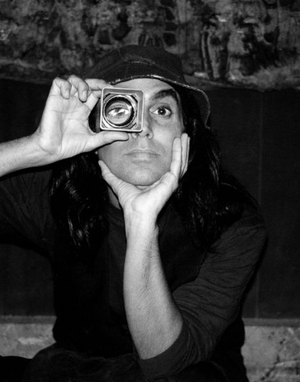
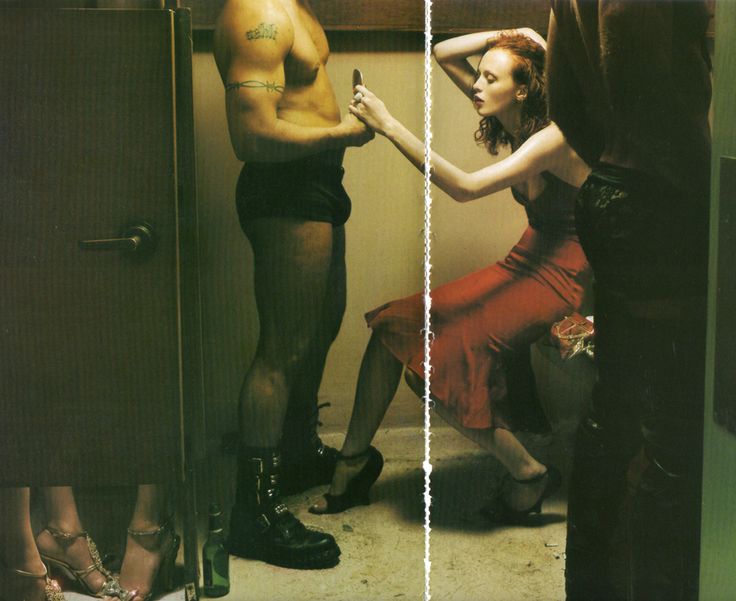
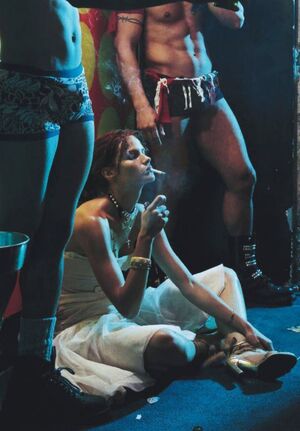
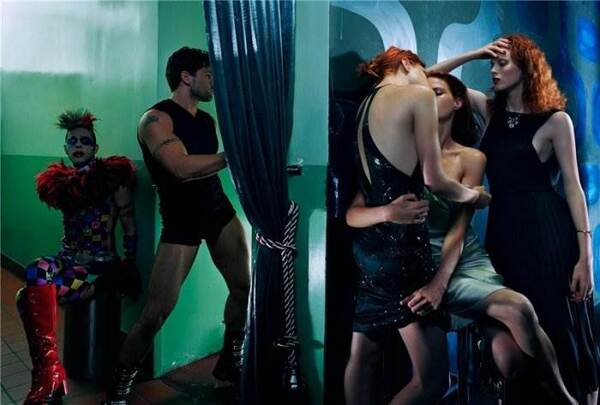
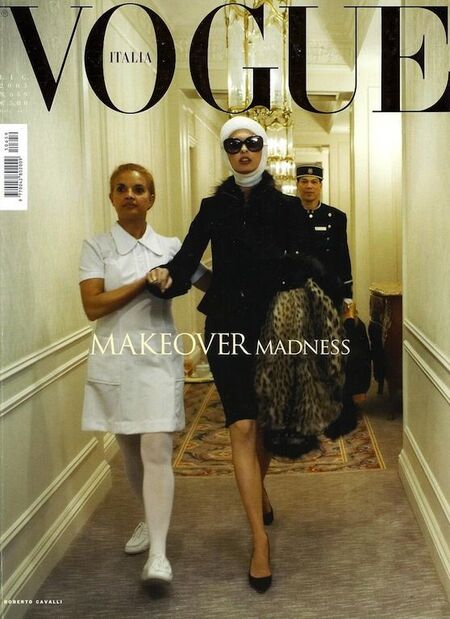
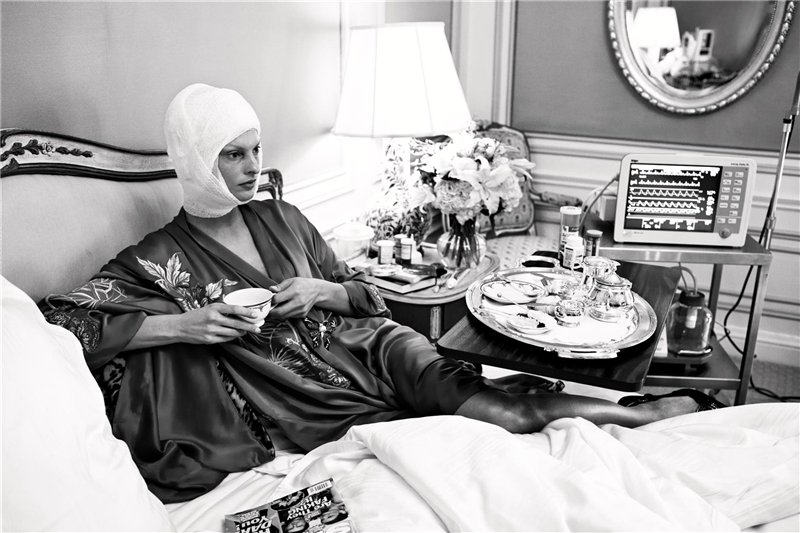
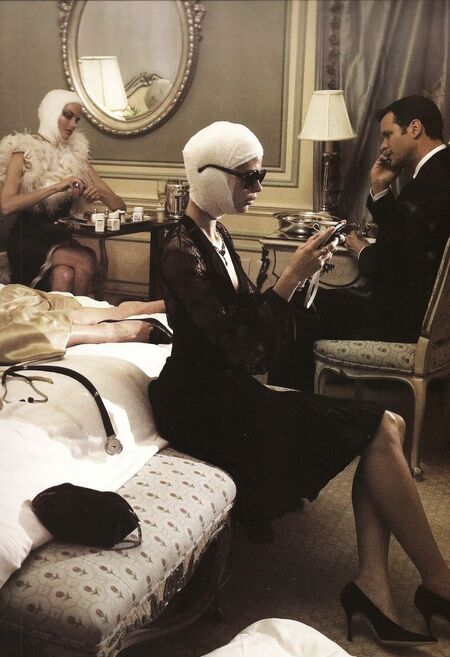
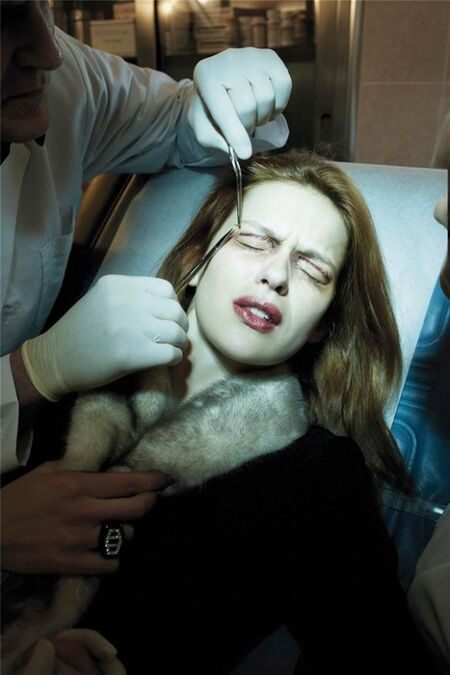
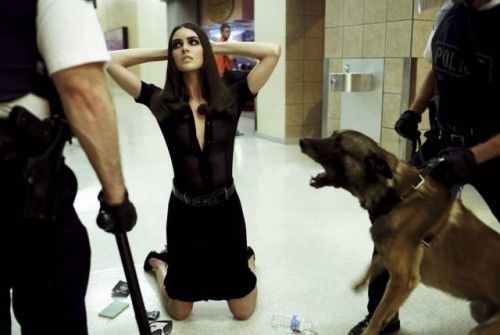
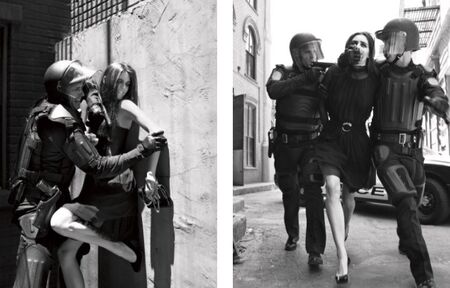
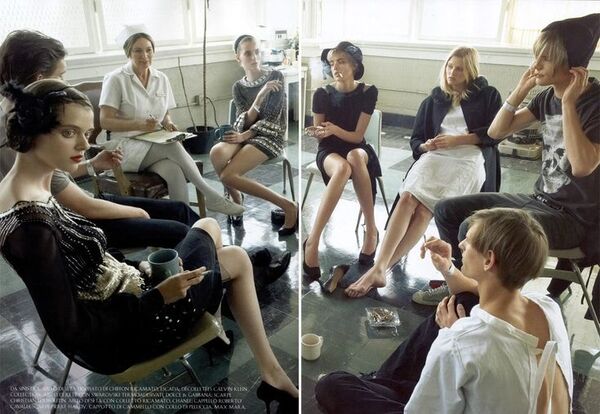
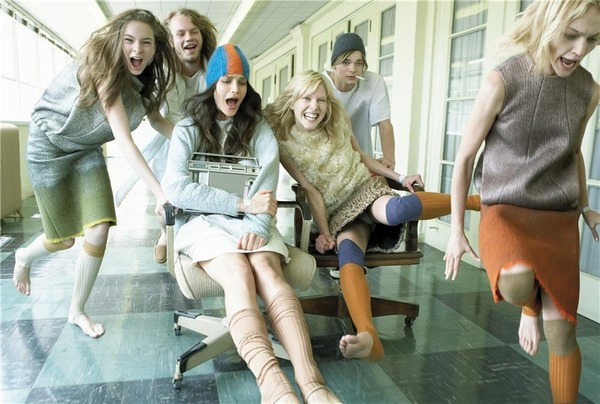
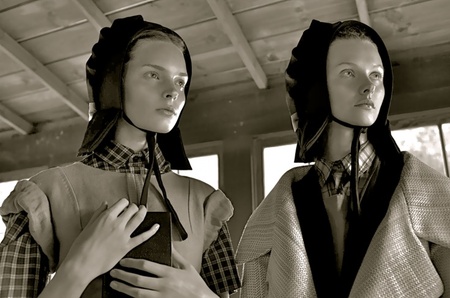
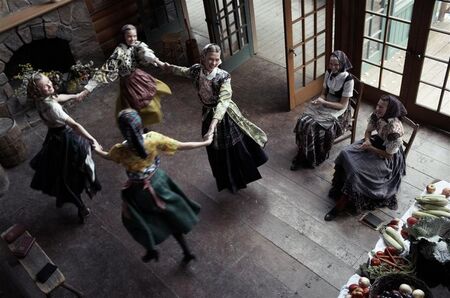
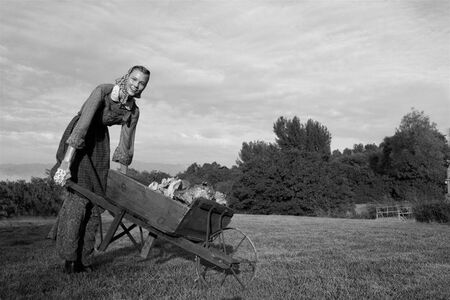
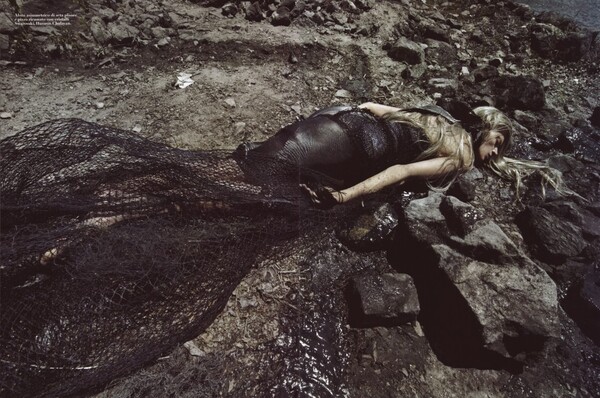
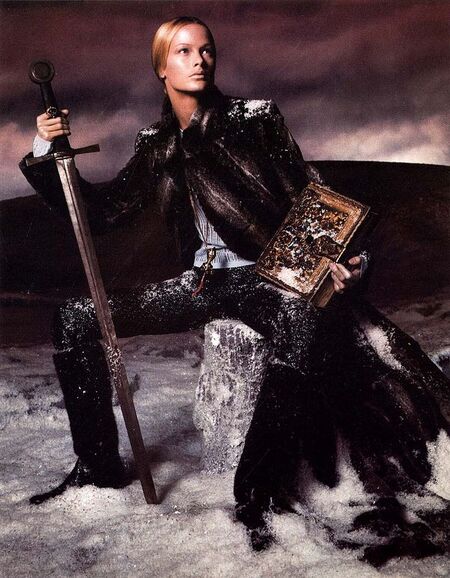
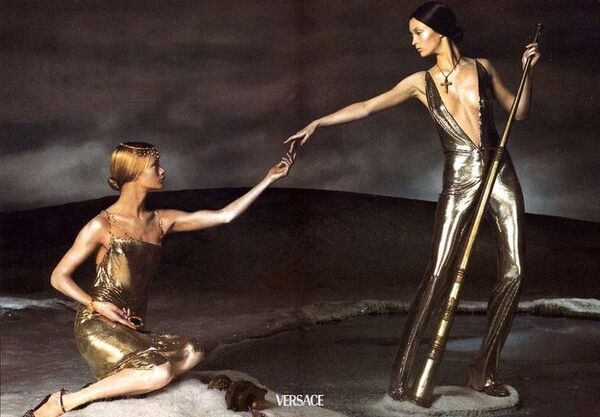
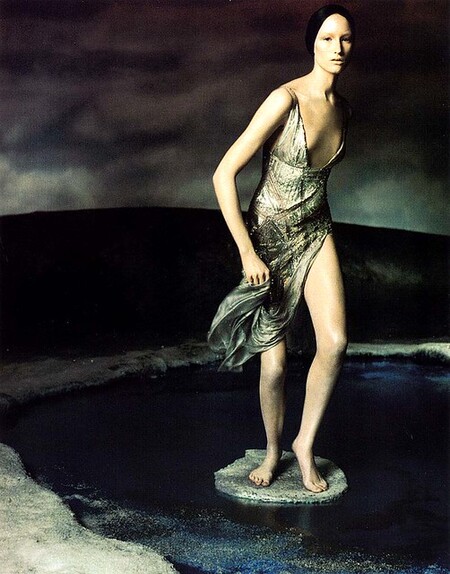
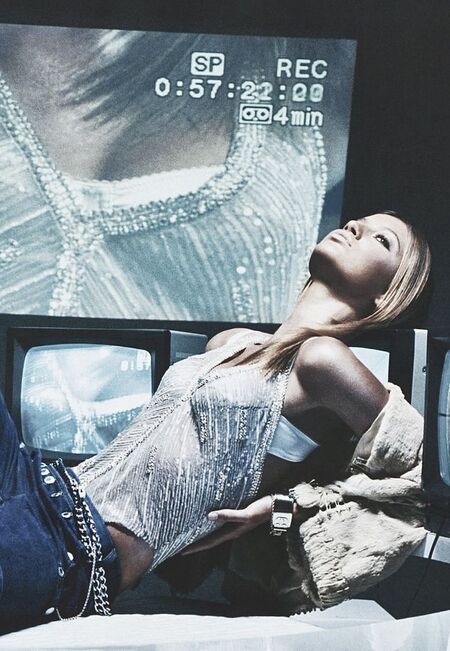
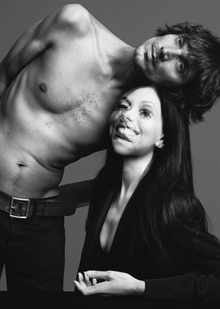
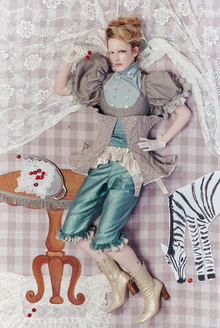
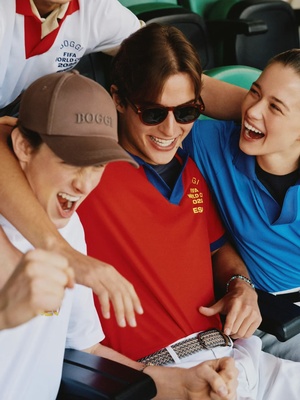
Стивен Майзель — американский фэшн-фотограф, работающий с 1980-х гг. по наши дни. Среди его работ — съемки для американского, британского и итальянского Vogue (ему принадлежит наибольшее количество обложек для журнала), Prada, Versace и Dolce & Gabbana.
Особенно выразительными считаются те его фотографии, на которых в композиции участвует большое количество людей.
Оксана Зуева подготовила текст о творчестве Стивена Майзеля, американского фэшн-фотографа, известного съемками для Vogue и других модных брендов. Проект подчеркивает его особенность — создание композиций с большим количеством людей, обладающих нарративностью и психологической глубиной.
Полина Миронова подготовила текст о голландском дуэте Инез и Винуд, известном своими фэшн-фотографиями и независимыми проектами. Особенностью проекта является частое использование черно-белого фильтра и асимметричной композиции в студийных съемках.
HSE ART AND DESIGN MEDIA опубликовала интервью с Анзором Канкуловым о развитии моды в России и образовательных возможностях Школы дизайна НИУ ВШЭ. Проект включает обсуждение запуска профиля «Дизайн одежды» в Санкт-Петербурге и уникального подхода к обучению студентов в рамках направления «Мода».
Валерия Туханова подготовила научный доклад о влиянии ценовых сегментов товаров легкой промышленности на выбор уникальных потребителей. Проект SMARTEX-2024 объединяет ведущих российских университетов и отраслевых компаний для обсуждения теоретических основ «умного» текстиля.
Платформа для креаторов из модной индустрии: перспективные бренды, портфолио дизайнеров одежды, фэшн-фотографов и арт-директоров, визуальные исследования, профильные конкурсы, образовательные программы, интервью с профессионалами. Новые имена, которые прямо сейчас формируют будущее моды в России.
Press space bar to start a drag.
When dragging you can use the arrow keys to move the item around and escape to cancel.
Some screen readers may require you to be in focus mode or to use your pass through key
Press space bar to start a drag.
When dragging you can use the arrow keys to move the item around and escape to cancel.
Some screen readers may require you to be in focus mode or to use your pass through key
Press space bar to start a drag.
When dragging you can use the arrow keys to move the item around and escape to cancel.
Some screen readers may require you to be in focus mode or to use your pass through key
Press space bar to start a drag.
When dragging you can use the arrow keys to move the item around and escape to cancel.
Some screen readers may require you to be in focus mode or to use your pass through key
Press space bar to start a drag.
When dragging you can use the arrow keys to move the item around and escape to cancel.
Some screen readers may require you to be in focus mode or to use your pass through key
Press space bar to start a drag.
When dragging you can use the arrow keys to move the item around and escape to cancel.
Some screen readers may require you to be in focus mode or to use your pass through key
Press space bar to start a drag.
When dragging you can use the arrow keys to move the item around and escape to cancel.
Some screen readers may require you to be in focus mode or to use your pass through key
Press space bar to start a drag.
When dragging you can use the arrow keys to move the item around and escape to cancel.
Some screen readers may require you to be in focus mode or to use your pass through key
Press space bar to start a drag.
When dragging you can use the arrow keys to move the item around and escape to cancel.
Some screen readers may require you to be in focus mode or to use your pass through key
Press space bar to start a drag.
When dragging you can use the arrow keys to move the item around and escape to cancel.
Some screen readers may require you to be in focus mode or to use your pass through key
Press space bar to start a drag.
When dragging you can use the arrow keys to move the item around and escape to cancel.
Some screen readers may require you to be in focus mode or to use your pass through key
Press space bar to start a drag.
When dragging you can use the arrow keys to move the item around and escape to cancel.
Some screen readers may require you to be in focus mode or to use your pass through key
Press space bar to start a drag.
When dragging you can use the arrow keys to move the item around and escape to cancel.
Some screen readers may require you to be in focus mode or to use your pass through key
Press space bar to start a drag.
When dragging you can use the arrow keys to move the item around and escape to cancel.
Some screen readers may require you to be in focus mode or to use your pass through key
Press space bar to start a drag.
When dragging you can use the arrow keys to move the item around and escape to cancel.
Some screen readers may require you to be in focus mode or to use your pass through key
Press space bar to start a drag.
When dragging you can use the arrow keys to move the item around and escape to cancel.
Some screen readers may require you to be in focus mode or to use your pass through key
Press space bar to start a drag.
When dragging you can use the arrow keys to move the item around and escape to cancel.
Some screen readers may require you to be in focus mode or to use your pass through key
Press space bar to start a drag.
When dragging you can use the arrow keys to move the item around and escape to cancel.
Some screen readers may require you to be in focus mode or to use your pass through key